ClickFunnels Free Trial: How to Try It, What to Build, and Whether It’s Worth Keeping
If you’re searching for the ClickFunnels free trial, you’re probably in a spot I know well. You’re curious about the tool, you’ve heard people rave about it, but you don’t want to sink money into something that turns out to be the wrong fit.
Good instinct. A trial is the smartest way to find out. But here’s the catch most people miss: a trial only helps if you use it well. I’ve seen people sign up, click around for twenty minutes, get distracted, and let the whole two weeks slip by without building a single thing.
So this isn’t just a “yes, there’s a trial” post. I’ll tell you how it works, what to do with those 14 days, and how to know at the end whether ClickFunnels deserves a spot in your business. Let’s get into it.
Why Most People Waste Their Free Trial
Let me describe something that happens all the time.
You hear about a tool. You get excited. You sign up for the free trial on a Sunday night, tell yourself you’ll dive in tomorrow, and then life happens. Work, family, a dentist appointment. By day five you’ve logged in once. By day ten you’ve forgotten about it. On day fourteen you get an email saying the trial is over, and you still have no idea if the tool is any good.
Or worse, you do log in, but you don’t know where to start. You see menus, buttons, and options everywhere. You open a template, change a headline, then wander off to watch a tutorial. A week later you’ve learned a lot of vocabulary and built nothing.
That’s not a tool problem. It’s a plan problem. A free trial is a ticking clock, and without a clear goal, the clock wins.
And Here’s What That Costs You
It’s easy to shrug this off. “It was free, so what did I lose?”
You lost time, and time is the one thing small business owners never have enough of. You also lost the chance to make a real decision. Now you’re back to guessing. Maybe you’ll sign up again later, maybe not. Maybe you’ll pick a different tool and go through the same cycle.
I’ve watched people bounce between tools for months this way. Every switch means a new login, new settings, new learning curve. Meanwhile their offer sits there, not reaching anyone.
The goal of a trial isn’t to “look around.” The goal is to answer one question: “Can I build something here that helps me sell?” If you walk away with a clear yes or no, the trial did its job. If you walk away with a vague “I guess it looked nice,” it didn’t.
That’s what I want to help you avoid.
What Is ClickFunnels, Quickly?
Before we get into the trial itself, here’s the short version of what you’d be testing.
ClickFunnels is a platform that lets you build the entire path a customer takes, from the first click to the final purchase, in one place.
That path is called a funnel. Picture a good restaurant. You walk in, get a clear menu, order, maybe add dessert, pay, and get a thank-you note later. Every step leads to the next. A funnel does that for your online business. Instead of sending people to a busy website where they wander off, you guide them one step at a time toward one action: sign up, book a call, or buy.
Inside ClickFunnels you get pages, checkout, email, and automation, so you don’t need to juggle five separate tools. It’s been around since 2014, so it isn’t a brand-new app that might disappear next year.
Now, the trial. Also read: ClickFunnels Review: Is It the Easiest Way to Turn Visitors Into Paying Customers?
The ClickFunnels Free Trial: What You Need to Know
Here’s the straightforward version.
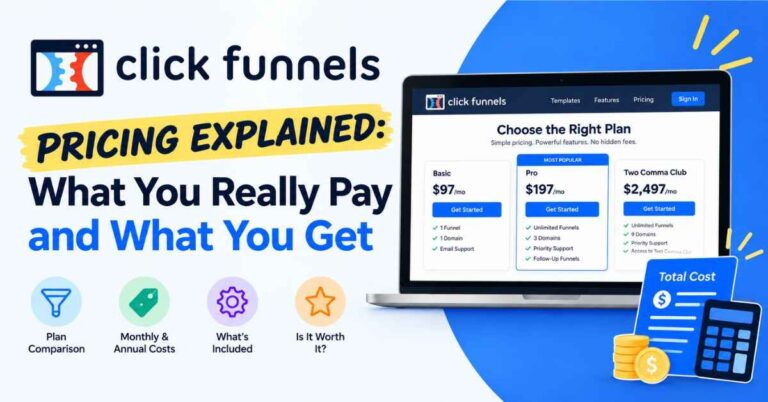
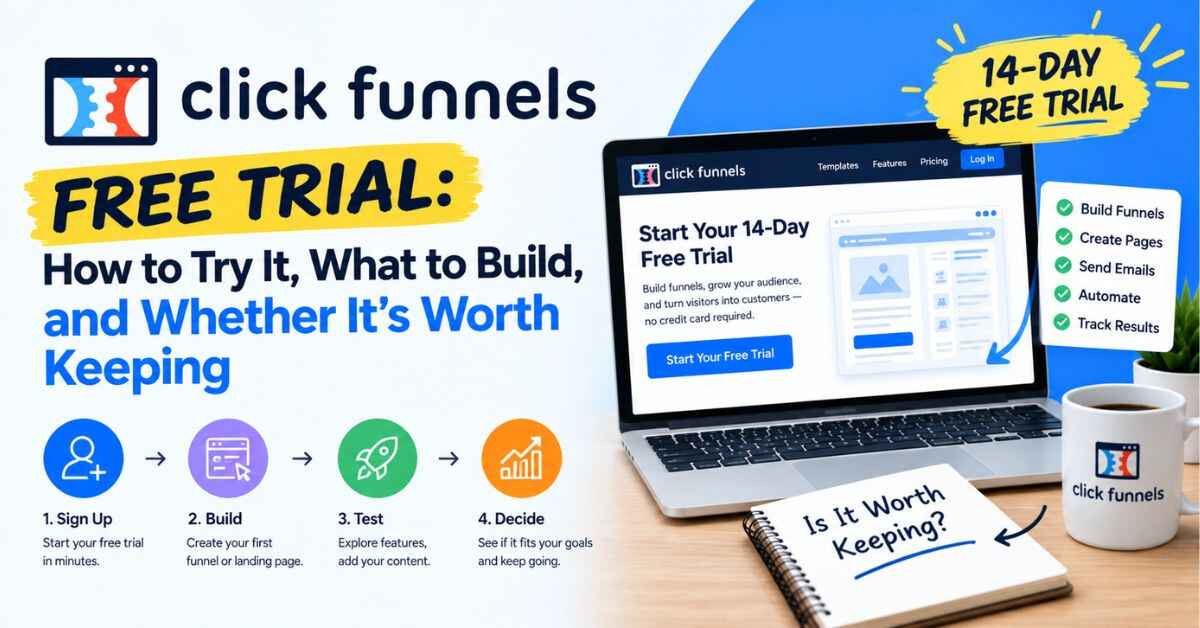
ClickFunnels offers a 14-day free trial. That’s two full weeks to log in, build, and test without paying for your first stretch. As of my latest check, the trial applies across the plans, from Launch at $97 a month up to Optimize at $297, though ClickFunnels can change this at any time.
A few honest notes:
Check the signup page for card details. Sources online disagree on whether a credit card is needed to start. The signup page will tell you exactly what’s required today, so read it before you enter anything.
Read the terms on what happens after day 14. Know whether your account converts to a paid plan automatically, and set a calendar reminder a day or two before the trial ends. That way, you decide on your terms, not by accident.
Pick the plan that fits today. For most beginners, that’s Launch. You can move up later if you outgrow it.
I’m telling you this up front because trust matters more than a quick click. If the details change, you’ll want to catch them yourself. The trial is a good deal either way, but only if you go in with your eyes open.
What You Can Actually Do During Your 14 Days
Let me tell you what’s worth your attention, so you’re not guessing.
Build a real funnel, not a practice one
The best way to test ClickFunnels is to build something you’d actually use. A simple lead funnel for your real business. A sales page for your real product. Don’t build a fake project just to “see how it works.” Real stakes make you pay attention to the parts that matter.
Try the drag-and-drop builder
You pick a template, click a headline, type your own words, and swap the images. If you’ve ever made a slideshow, you’ll feel okay here. The big question to answer is: does this feel natural to you? If you can build a decent page in an afternoon, that’s a very good sign.
Look at the templates
ClickFunnels has ready-made layouts for collecting leads, selling products, running webinars, and booking calls. They save you from the blank page. A few look a little dated, but they’re easy to restyle. See if one is close to what you need.
Set up a checkout with an upsell
This is where ClickFunnels starts to feel different from a normal website builder. You can build a checkout page inside your funnel and add an order bump or a follow-up offer. Someone who came in for a $27 product might happily add a $17 extra at the right moment. Try setting one up and see how easy it is.
Write a short email sequence
Most people don’t buy the first time. Follow-up emails bring them back. Try writing a three-email sequence: a welcome, a helpful tip, and a gentle reminder. See how the email tools feel. Keep in mind that email sending carries a small extra charge on top of your plan, so it’s worth reading the details.
Test it from your customer’s side
Once your funnel is built, go through it like a stranger would. Click every button. Read every line. Does it make sense? Does it flow? You’ll catch things you’d never notice while building.
A Simple 14-Day Plan
If you’d like a roadmap, here’s how I’d spend the two weeks. It’s not complicated, and it keeps you moving.
Days 1 to 2: Get oriented. Sign up, look around the dashboard, and watch a couple of the short training videos. Don’t try to learn everything. Just get comfortable.
Days 3 to 5: Build your first funnel. Pick one offer. Choose a template. Edit the words, images, and buttons until it sounds like you.
Days 6 to 7: Add the money pieces. Set up your checkout, an order bump, or a thank-you page with a follow-up offer.
Days 8 to 9: Write your emails. Draft a short sequence and connect it to your funnel.
Days 10 to 11: Test and tweak. Walk through your funnel as a customer. Fix anything confusing. Ask a friend to try it and tell you where they got stuck.
Days 12 to 13: Send a little traffic. Share the link with a few people or on one channel. You don’t need a crowd. You just need to see how real people behave.
Day 14: Decide. Look at what you built and how it felt. Then make your call.
That’s it. Nothing fancy, and by the end you’ll have something real to judge.
How to Tell If ClickFunnels Is Worth Keeping
Here’s a gut check for the end of your trial. Ask yourself:
Did I build something I’m actually proud of?
Did the builder feel natural, or did I fight it the whole time?
Did having pages, checkout, and email in one place save me effort?
Can I picture this replacing two or three tools I’m paying for now, or would have to pay for?
Do I have a clear offer that a funnel can help me sell?
If you’re nodding along to most of those, ClickFunnels is likely worth a serious look. If you felt lost the whole time, or you realized you don’t have a clear offer yet, that’s useful to know too. It’s better to find that out in two weeks than after a year of paying for something you don’t use.
What Does It Cost After the Trial?
Let’s be honest about the numbers, because they’re part of the decision.
The main monthly plans are Launch at $97, Scale at $197, and Optimize at $297. There’s also an annual-only plan called Dominate for larger operations. Paying yearly lowers the monthly cost, and there’s a small extra charge for sending emails. Prices can change, so confirm on the live pricing page.
Is that a lot? Next to a free website builder, yes. Next to paying separately for a page builder, an email tool, a checkout system, and a course host, it often comes out about the same or less, and everything already works together.
Here’s how I’d think about it. Ask, “What is one new customer worth to me?” If you sell a $500 coaching package and a funnel helps you land one extra client, it covers itself. If you sell a $20 ebook, you’ll need more volume, though a funnel can also build your email list and sell add-ons.
Launch is where most beginners start. Scale adds advanced automation, unlimited domains, and tools like webhooks and API access. Optimize adds the Affiliate Center for running your own affiliate program. Don’t buy the biggest plan “just in case.” Start with what fits today.
Real Examples of What People Build in a Trial
Sometimes it’s easier to picture the thing than to read about it. Here are a few simple ideas you could build in two weeks.
The lead magnet funnel. A blogger offers a free checklist in exchange for an email, then sends a short series of emails recommending a paid resource. It’s small, but it works around the clock.
The application funnel. A consultant doesn’t want every inquiry. Interested people fill out a short form, and only good fits get a link to book a call. It saves hours and fills the calendar with people worth talking to.
The free-plus-shipping offer. A small brand gives away a sample and charges only for shipping. At checkout, it offers a bigger bundle. Customers try before they commit, and the brand grows its list.
The local appointment funnel. A salon or clinic offers a discount on a first visit in exchange for an email. The funnel sends a reminder and a booking link.
The simple course sale. A creator builds a sales page, a checkout, and an access page, plus a few emails to keep students engaged.
None of these is complicated, and that’s the point. Simple and clear usually wins. And every one of them is small enough to build inside a 14-day trial.
👉 Not sure what to build first? Pick one of these ideas, open a template, and spend ten minutes with it. You’ll know quickly if it feels right:
Who Gets the Most Out of a Trial?
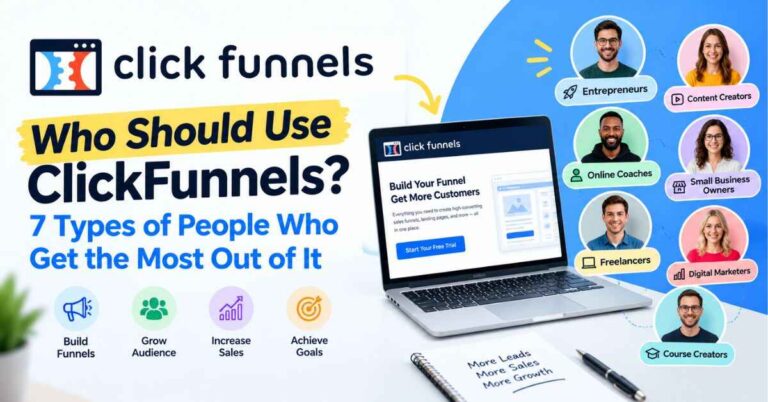
Not everyone needs ClickFunnels, and a trial is a good way to find out if you’re in the right group. In my experience, these people tend to get the most value:
Coaches and consultants who want a clear way to get people to book a call.
Course creators and digital product sellers who need to sell, collect payment, and follow up in one place.
Local business owners who want to turn nearby searches into real appointments.
Product sellers who’d rather spotlight one item than make shoppers dig through a whole store.
Freelancers and agencies who build marketing systems for clients and want to deliver faster.
Marketers and list builders who want an email list they own instead of sending traffic away.
Beginners with a clear offer who want structure instead of a blank page.
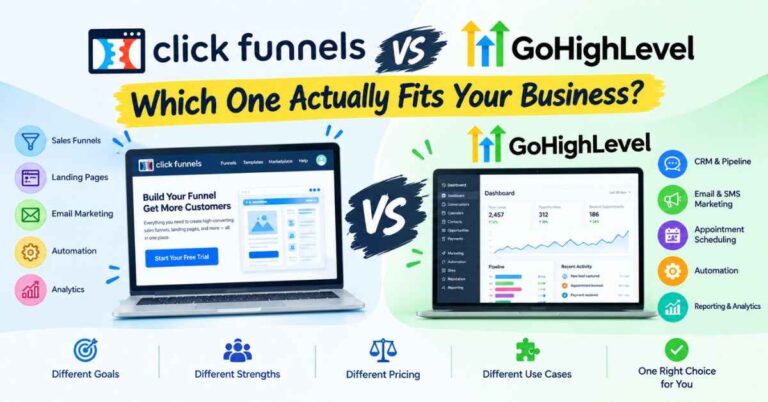
If you see yourself in that list, the trial is worth your time. If not, no worries. Plenty of people only need a simple website, and a lighter tool will serve them better.
The Honest Downsides
I’d rather be upfront than pretend this tool is perfect.
The dashboard can feel busy at first. There’s a lot inside, so give yourself a couple of days and follow the training. Most people catch on quickly.
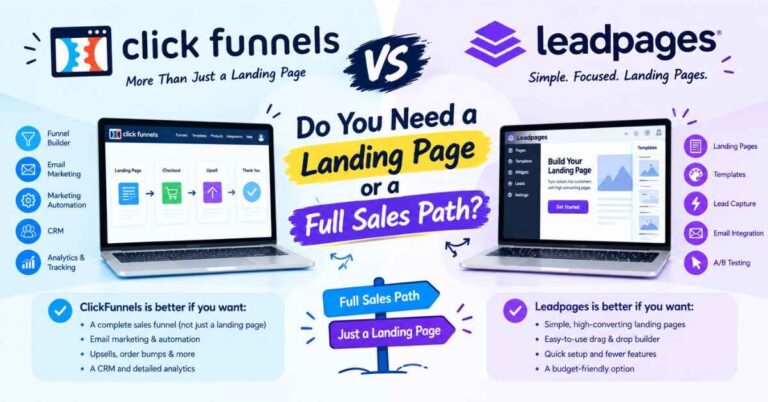
It’s not the cheapest option. If you only need one landing page, a simpler tool will cost less. ClickFunnels pays off when you use more than one piece of it.
Some templates look a bit old. It’s an easy fix, since you can restyle them.
Two weeks goes fast. If you wait to get started, you’ll burn half the trial before you’ve built anything. That’s why the plan above matters.
And it won’t create your offer for you. This one matters most. ClickFunnels is a vehicle. If your offer is unclear, or nobody wants it, no software can fix that.
That last one is why some people say it “didn’t work” for them. They expected the tool to do the thinking. It won’t, but it makes the doing much easier.
Tips to Get the Most Out of Your Trial
A few small habits make a big difference.
Start the trial when you have time. Don’t sign up the night before a vacation or a big deadline. Pick a week where you can give it an hour or two a day.
Have your words ready. Before you log in, jot down your offer, who it’s for, and the one action you want people to take. It makes building ten times faster.
Build one funnel, not five. Pick your best offer and keep it simple.
Ignore the advanced stuff at first. You don’t need the API or workspaces on day one. Learn the builder, the checkout, and email.
Write like you talk. Short and honest beats polished and stiff.
Set a reminder for day 12. That gives you two days to decide calmly instead of scrambling.
Final Thoughts
A free trial is a low-pressure way to answer a high-pressure question: “Is this the right tool for my business?” You don’t have to guess, and you don’t have to rely on someone else’s opinion, including mine.
Go in with a plan. Build something real. Pay attention to how it feels. If it makes your work simpler and helps you put your offer in front of people, you’ve got your answer. If it doesn’t, you’ve lost nothing but a few hours and gained a lot of clarity.
You’ll learn more in one weekend of building than in a month of reading about it, even a helpful post like this, I hope.
👉 Ready to see if ClickFunnels fits the way you work? Check the current trial details and start building here:
Quick note before you go: some links in this post are affiliate links. If you sign up through one, I may earn a small commission at no extra cost to you. I only recommend tools I think are genuinely useful, and the opinions here are my own. Thanks for reading, and for supporting the site.