Who Should Use Leadpages? An Honest Look at Who Gets the Most Out of It
Here’s a question I get a lot, in one form or another: “Is this tool actually for someone like me?” It’s a fair thing to ask, because most software pages are written as if everyone on earth should buy the product. So let’s do this differently. In this post, I’ll explain who should use Leadpages, who probably shouldn’t, and how to tell which group you’re in before you spend a single minute or dollar.
Short answer: if you want a simple way to build landing pages, pop-ups, and small websites that bring in leads or sales, and you’d rather not deal with code or a designer, there’s a good chance Leadpages fits. If you’re after something much bigger or more complex, you may want a different tool. I’ll show you where that line sits.
Let’s start with the problem that sends people looking for a tool like this in the first place.
The Problem: You’re Doing Great Work, But Nobody’s Signing Up
Picture this. You’ve spent weeks putting something together. A free guide, a small course, a coaching package, a local service, or an offer you’re promoting as an affiliate. You share it on social media. You mention it in your bio. You tell friends.
People click. That part works. But then they land on your website’s homepage, and it’s a mess of menus, blog posts, sidebars, and buttons. They came to learn about one thing, and now they have twelve choices.
So they wander off.
You can see the clicks in your stats, but the sign-ups barely move. And you start doubting yourself. Maybe the offer isn’t good enough. Maybe people just aren’t interested. Maybe you’re not cut out for this.
Most of the time, that’s not the real issue. The offer is fine. What’s missing is a focused page that says one thing clearly and gives people one easy next step.
The Hidden Cost of Doing It the Hard Way
Okay, so you decide to build that page. How hard can it be?
Harder than it looks. Most website platforms are made for general websites, not conversion-focused pages. You move one heading and three other things shift. You add a button and it looks fine on your laptop but strange on your phone. You spend an entire evening fighting the layout, and the result still looks a bit amateur.
Hiring a designer solves the look, but it adds cost and waiting time. And every little change, even one sentence, turns into an email thread.
Learning to code works if you love that kind of thing. Most people don’t. They just want to collect emails or sell something.
All the while, your offer sits there, unseen. That’s the real price. Not just money, but weeks of lost momentum. People get discouraged, and some quit entirely. Not because their idea was bad, but because the tools were harder than the idea.
That’s the gap Leadpages was built to fill.
Where Leadpages Comes In
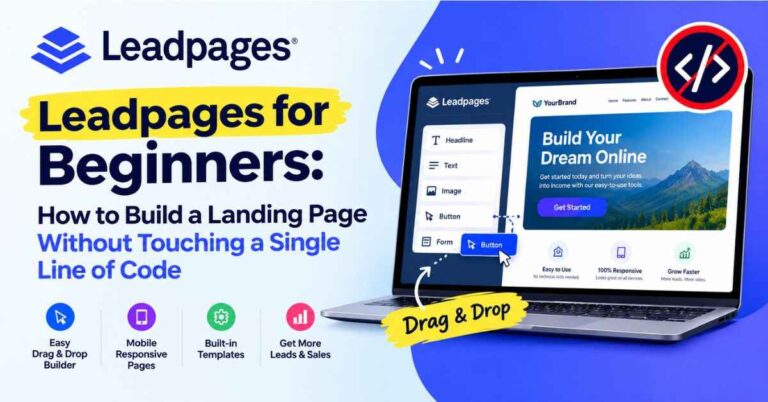
Leadpages is a landing page builder made for people who want results without a steep learning curve. You pick a template, swap in your own words and images, connect your email service, and publish. That’s the basic idea.
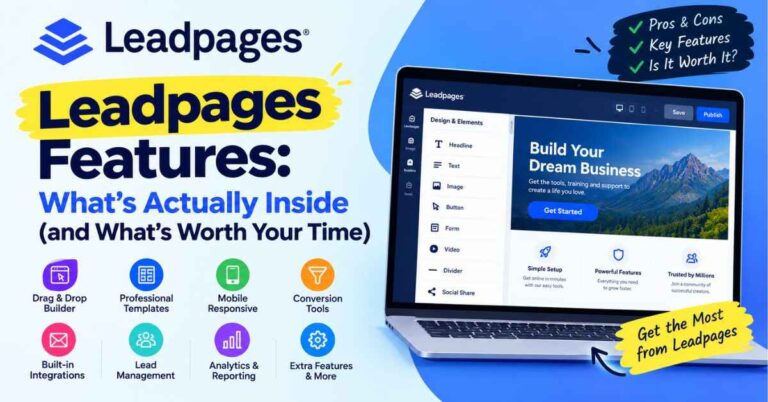
Around that core, you get a drag-and-drop editor, a library of templates sorted by goal, pop-ups and alert bars, forms, integrations with popular email and marketing tools, A/B testing, simple multi-page websites, and checkout options for selling right from a page. It isn’t trying to replace your whole online setup. It’s trying to be great at helping you capture leads and make sales.
If you’d like to see how it works while you read, you can take a look here: “Take a peek at the Leadpages editor and see if it feels like your kind of tool”
Who Should Use Leadpages: The People It Fits Best
This is the heart of the article, so I’ll go through it slowly. For each group, I’ll explain why Leadpages tends to work and what to keep in mind.
1. Beginners Who Feel Nervous About Tech
If the idea of building a web page makes your stomach tighten, you’re exactly the person this was made for.
The editor works by dragging and dropping. You click on something to edit it, drag a block where you want it, and it stays there. If you’ve ever edited a slide in a presentation, you already have the skills you need. And because templates come pre-designed, you never start with a blank screen. You start with something that already looks good and just make it yours.
For beginners, that’s a big deal. The first win matters. Getting a real page live in a single sitting gives you the confidence to keep going, and confidence is what keeps most new projects alive.
2. Bloggers and Content Creators Who Want a Real Email List
Let me describe a very common situation. A blogger writes useful posts. Readers come, read, and leave. Every post ends with “subscribe to my newsletter,” and almost nobody does.
The fix is usually a clear offer. A free checklist, a short guide, a printable, a mini-course. Then a focused landing page that explains what it is and collects an email address. Add a pop-up or an alert bar on your best-performing posts, and suddenly your traffic starts turning into subscribers.
Leadpages handles all of that in one place. If you’re a content creator tired of watching visitors disappear, this is one of the most natural fits.
3. Coaches, Consultants, and Course Creators
People who sell their knowledge usually have more than one offer: a free discovery call, a workshop, a paid program, maybe a course. Each one deserves its own page, speaking to one kind of person with one clear next step.
Because pages are quick to build and easy to duplicate, you can create a whole set in an afternoon. A waiting-list page before launch. A sales page during launch. A thank-you page afterward. A webinar sign-up page for people who aren’t ready to buy yet. Everything looks consistent, and it all lives under one login.
If you sell directly from your pages, Leadpages has checkout options for that. Based on the Leadpages site, those are available on certain plans, so check which plan includes them if selling is your goal.
4. Small and Local Business Owners
Think photographers, cleaners, personal trainers, therapists, tutors, and home service providers. These folks usually don’t need a huge website. They need one good page that explains what they do, shows a few happy customers, and makes it dead simple to request a quote or book a call.
A single focused page with a short form can do more for a local business than a big website nobody reads. You can send people to it from Google Business, Facebook, Instagram, or even a printed flyer with a link. When someone fills in the form, the details go straight to your inbox or email tool.
5. Freelancers Who Need a Simple Online Home
Writers, designers, virtual assistants, editors, and developers often don’t need much: a clear description of services, a few samples, and a contact form. Leadpages lets you build simple multi-page websites and connect your own custom domain, so a freelancer can have a clean, professional presence without wrestling with plugins.
It’s also easy to update. When you land a new client or finish a great project, you can add it in minutes.
6. Affiliate Marketers and Online Promoters
If you promote other people’s products, you already know that sending people straight to a sales page can feel cold. A short bridge page that explains why you recommend something, shares your honest experience, and then leads people to the offer can warm them up first.
Leadpages makes this easy because you can build a page quickly, duplicate it, and test different angles. With A/B testing, you can even compare two headlines and see which one gets more clicks. For anyone running campaigns, that’s the difference between guessing and knowing.
7. Marketers Who Want to Test and Improve
If you like data, you’ll appreciate that Leadpages isn’t only about building pages. It also gives you ways to improve them. You can run split tests, where two versions of a page compete to see which one converts better. There’s also built-in guidance, like the Leadmeter, that offers suggestions while you edit.
Small improvements add up. A page that converts a little better means more leads from the same traffic you already worked hard to get. That’s one of the cheapest ways to grow. Also read: Leadpages Review (2026): Is This AI Landing Page Builder Really Worth Your Money?
A Day in the Life: What Using Leadpages Actually Feels Like
Let me paint a quick picture so this isn’t abstract.
Say you’re offering a free checklist. You log in and click to create a new page. You’re shown templates sorted by purpose. You choose a lead-generation one. It opens in the editor, and there’s already a headline, a short description, an image, a form, and a button.
You click the headline and type your own. You swap the image. You change the button from “Submit” to “Send Me the Checklist.” You connect your email service so new sign-ups land on your list. You preview it on your phone and adjust anything that looks awkward.
Then you hit publish.
That’s really it. Plenty of people go from “I have an idea” to “I have a live page” in a single sitting. And that speed matters, because momentum is everything when you’re starting out.
The Benefits That Actually Matter
Features lists are boring, so here’s what I think makes the real difference in daily use.
You Don’t Have to Be a “Design Person”
Leadpages templates are built with conversion in mind. The layout, spacing, and structure already follow patterns that tend to work. You’re borrowing good design decisions instead of making guesses, which is a huge advantage when you don’t yet know what “good” looks like.
It Saves Time You Can Spend on Your Audience
Every hour spent wrestling with a clumsy tool is an hour you’re not creating content, talking to customers, or promoting your offer. A tool that’s quick to use gives you that time back.
Your Pages Work on Phones
Many of your visitors will open your page on their phones, often while scrolling social media. If the page looks broken, they’re gone in seconds. Leadpages templates are built to adapt to smaller screens, and you can preview them while you edit.
It Plays Well With Other Tools
Leadpages integrates with a long list of email marketing platforms and other services. When someone fills out your form, their details go straight into your system. No copying names into a spreadsheet at midnight, no forgetting to send the free download.
One practical tip: before you sign up, check that your own email service is on the integration list. It takes thirty seconds and saves a headache later.
Pop-Ups and Alert Bars for Your Existing Site
If you already have a website or blog, you can add pop-ups and alert bars without rebuilding anything. They use the same editor as your pages, so there’s no separate tool to learn.
There’s a WordPress Option
If your main site runs on WordPress, Leadpages offers a plugin that lets you publish pages on your own domain. That’s handy if you want your landing pages to feel like part of your existing site.
Help When You’re Stuck
Leadpages offers help guides, training material, and a support team. When you’re new, knowing there’s a real place to ask questions makes experimenting a lot less scary.
Who Might Want a Different Tool
Now for the part most reviews skip. I’d rather you pick the right tool than the one I happen to mention.
If you need a giant website. Leadpages can build simple multi-page sites, but if you want a huge site with a complex blog, a members-only area, and a big online store, you’ll probably want a more full-featured platform for the main site. Leadpages can still handle lead capture alongside it.
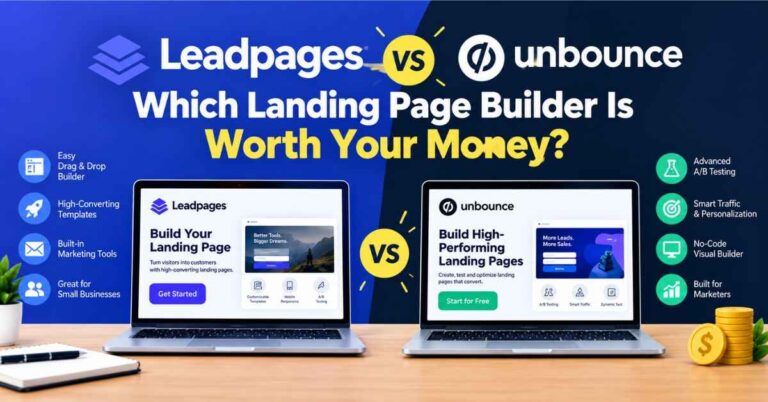
If you want one tool to do everything. Leadpages is a landing page builder. It doesn’t send your newsletters or run your email automations. You’ll still need an email service for that, and Leadpages connects to many of them.
If you need advanced analytics. If you want things like heatmaps and session recordings, you may need a separate tool.
If you only need a page for a few days. Hosted pages need an active subscription. If you stop paying, your pages go offline. That’s normal for this kind of tool, but it’s worth knowing.
If your budget is extremely tight and you only plan to build one page. There are free options that might work for a first experiment. That said, if you’re serious about collecting leads or making sales, a tool built for conversion often pays for itself, since every extra sign-up comes from traffic you already worked for.
Also, plans differ in how many pages, domains, and selling features you get, and those details change over time. Look at the current pricing page and think about how many pages you’ll realistically build in your first few months. Then choose based on that.
Not Sure? Try It Without the Guesswork
Here’s the thing about a question like “is this tool right for me?” You can read reviews all day, but the best answer comes from using it.
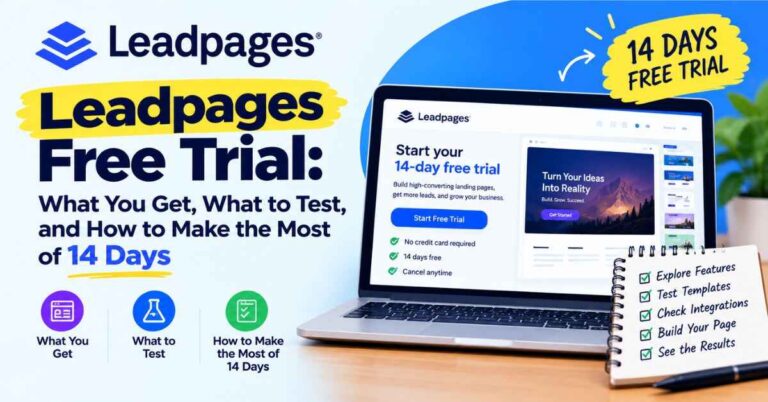
Leadpages offers a 14-day free trial. According to the Leadpages site, you can build and publish pages during that time, and you’re not charged if you cancel before it ends. A credit card is needed at signup, and the paid plan starts automatically afterward if you don’t cancel, so set a reminder on your calendar. Terms can change, so read the current details on the signup page.
Two weeks is enough to build a real page, connect your email tool, share the link, and see how it feels. And “how it feels” is what matters most. A tool can have every feature in the world, but if you dread using it, you won’t use it.
If you’re curious, you can start here: “Try Leadpages free for 14 days and see if it fits how you work”
A Quick Self-Check: Is Leadpages Right for You?
Here’s a simple way to decide. Read these and see how many sound like you.
- You want to collect emails, book calls, or sell something simple online.
- You don’t want to code or hire a designer for every change.
- You like the idea of starting from a good-looking template.
- You want your pages to work well on phones.
- You already use (or plan to use) an email service you can connect.
- You’d like to test and improve your pages over time.
- You value getting something live quickly over building something huge.
If most of those sound like you, Leadpages is probably worth a serious look. If most of them don’t, and you need something much bigger or more complex, you might be better off with a different platform.
Small Tips for Better Pages
A few things I’d tell anyone building their first pages.
One page, one goal. If you ask people to subscribe, follow you, read your blog, and buy something all at once, they’ll usually do none of it.
Write the headline for the reader. “Welcome to My Journey” means nothing to a stranger. “Simple Meal Plans for Busy Weeknights” tells them exactly what’s in it for them.
Make the button specific. “Send Me the Checklist” almost always beats “Submit.”
Ask for less. If you only need an email address, don’t ask for a phone number too. Every extra field is a reason to leave.
Use real photos when you can. A genuine picture of you or your work builds trust faster than a stock image.
Test one thing at a time. If you’re running a split test, change only the headline or only the image. Otherwise you won’t know what made the difference.
Come back and tweak. Your first version won’t be your best, and that’s completely normal.
Quick Answers to Common Questions
Do I need coding or design skills?
No. If you can type, click, and drag things around, you can use the editor.
Can I use my own domain?
Yes, you can connect a custom domain so your pages match your brand.
Will it work with my email service?
Leadpages connects with many popular tools. Check that yours is on the current list before you start.
Can I sell things on a page?
Yes, Leadpages offers checkout options for simple products and services. Check which plan includes them.
Is there a free trial?
Yes, a 14-day trial, as listed on the Leadpages site. A credit card is required at signup, and you won’t be charged if you cancel before it ends.
What if I get stuck?
There are help guides, training resources, and a support team you can contact.
My Honest Take
So, who should use Leadpages? In my view, it’s for the person who has something worth sharing and wants a clean, simple way to put it in front of people. Beginners, bloggers, coaches, small business owners, freelancers, course creators, and affiliate marketers all tend to find it useful, because it removes the technical friction that makes so many people quit before they’ve started.
It won’t do your marketing for you. You still have to share your page, write honestly, and keep showing up. But it gives you a solid foundation to do all that.
And the hardest part of any new project is getting the first thing live. Once there’s a real page out in the world, everything gets easier, because you’re improving something that exists instead of imagining something perfect.
So if you’ve been putting this off, start small. One page. One offer. One afternoon.
Here’s where you can try it and see how it feels: “Start building your first page with Leadpages”
You might be surprised how quickly it comes together.
Quick note: this post contains affiliate links. If you click one and decide to sign up, I may earn a small commission, at no extra cost to you. I only share tools I think can genuinely help, and the opinions here are my own. Thanks for reading and for supporting the blog.