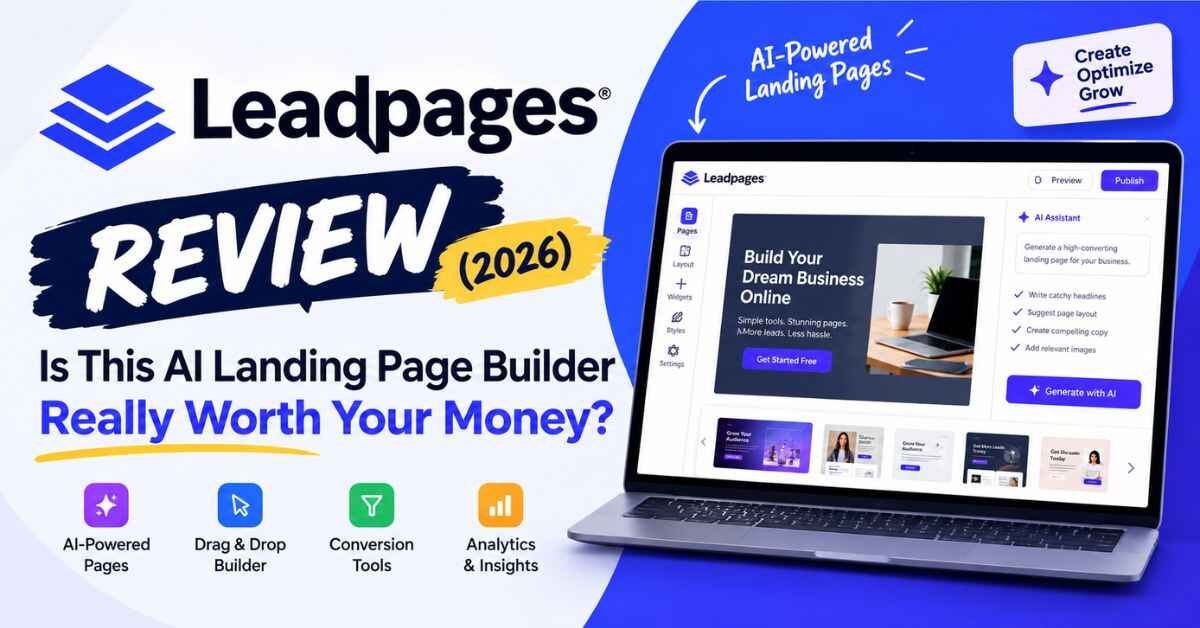
Leadpages Review (2026): Is This AI Landing Page Builder Really Worth Your Money?
You wrote a post, or ran an ad, or sent a newsletter. People actually showed up. Maybe a few hundred of them. You felt good for about ten minutes, and then you checked your numbers and realized almost nobody signed up, bought anything, or booked a call. They came, they looked around, and they left.
Annoying, right? That’s the exact problem I want to talk about in this Leadpages review, because it’s the problem Leadpages was made for. I’m not going to read you the sales page. I’ll tell you what it does, what it costs, who it’s good for, and who shouldn’t bother. Fair?
Why Your Traffic Isn’t Turning Into Customers
Most people send every visitor to their homepage. I get it. It’s the easiest thing to do.
But think about what your homepage actually looks like to a stranger. A menu with eight links. A blog feed. Some social icons. An About section. A pop-up that appears right when they start reading. And a tiny signup box somewhere near the bottom, where nobody’s ever going to see it.
So someone clicks your ad, gets curious about your About page, reads half a blog post, and wanders off to check their messages. You paid for that click, or spent three hours writing the post that earned it. Poof.
It’s rarely the offer’s fault, and it’s rarely the audience’s fault either. The page just has too many jobs. When a page tries to do everything, it ends up doing nothing very well.
A landing page works because it’s boring in the best way. One page. One promise. One button. There’s nothing else to click, so people either say yes or they leave, and either way you learn something.
The trouble is, making one has always been a hassle. Usually you end up picking between three not-so-great options:
- Hire a designer or developer. Great results, but slow and pricey. And every time you want to try a new headline, you’re back in their inbox waiting.
- Force a regular website builder to do it. It kind of works, but those tools weren’t made for conversions, and the result often looks like a template everyone else is using.
- Use a free tool. Fine for a hobby, but you’ll probably get someone else’s logo on your page and no real way to tell what’s working.
And even after you get a page live, you’re mostly guessing. Is the headline any good? Is the button in a weird spot? Is the form too long? Nobody knows. You just cross your fingers.
So, What Is Leadpages?
In simple terms, Leadpages is a tool for building landing pages and small websites that turn visitors into leads and customers. It’s been around since 2012, which in software years makes it almost ancient. The company says it’s served over 400,000 users, and it sits around 4.3 stars on G2 and 4.5 on Capterra. For a tool people love to complain about, that’s a pretty healthy score.
What’s changed lately is how you build with it. It used to be a drag-and-drop editor with a bunch of templates. Now it leans on AI. You tell it what you sell, and a few seconds later you’ve got a full page. Then you tweak it by clicking around, much like you’d edit a Google Doc.
Add in A/B testing, heatmaps, personalization, lead capture, and links to the tools you probably already use, and you’ve got one place to build a page, see how it performs, and keep improving it. No code required.
If you’re curious, take a look inside Leadpages with the 7-day free trial. You get full access to the plan you choose while you poke around.
My Honest Leadpages Review: What You Actually Get
I’m skipping the shiny stuff nobody uses. These are the parts that matter.
The AI builder fixes the blank page problem
Be honest. How many landing pages have you “been meaning to build” for months?
It’s usually not because building is hard. It’s because starting is hard. Staring at an empty screen and trying to write a killer headline is where a lot of good ideas go to die.
With Leadpages, you type in what you sell, who it’s for, and what you want people to do. It spits out a full page with a headline, sections, images, and a button. You can also start from a template, or point it at an existing page and let it work from there.
Will the first draft be perfect? Not a chance, and I wouldn’t trust any tool that promised that. It’s more like a fast, slightly generic first pass that gets you most of the way there. Your job is to make it sound like a real person wrote it. Add your own proof, your own details, your own voice. That’s a far nicer job than writing everything from scratch.
You can also just chat with it. Type “make this section shorter” or “rewrite the headline so it’s about saving time,” and it does. If design isn’t your thing, that alone is a relief.
The editor stays out of your way
Sometimes you don’t want to ask an AI for anything. You just want to grab a picture and drag it somewhere. The visual editor lets you do that. Click, change, done.
There’s also a brand kit, which sounds boring until you need it. You add your logo, colors, and fonts once, and every page you build after that matches. If you’ve ever built five pages over six months and realized they all look slightly different, you know how annoying that cleanup is.
Pages also work on phones right out of the box. That sounds obvious, but a huge share of clicks from social media and ads happen on a phone, and a page that looks off on a small screen loses people in about two seconds.
A/B testing is the main reason to use a tool like this
If you made me pick one reason to choose Leadpages over a basic website builder, it’d be this one.
The idea is simple. You make two versions of a page with one small difference, like a new headline or a shorter form. Leadpages splits your visitors between them and shows you which one gets more signups. Keep the winner. Test something else.
It’s not glamorous, I’ll admit. But small wins stack up. A slightly better headline here, an easier form there. None of them feels like a big deal on its own. Give it a few months, though, and your traffic is suddenly worth a lot more than it was.
A/B testing comes with the Grow plan, which starts at $99 a month. Leadpages claims a lot of competitors charge more for the same thing. Prices change all the time, so take a minute to compare before you decide.
Smart Traffic and heatmaps, if you want to go further
The Optimize plan adds two extras that are honestly pretty cool.
Smart Traffic sends more of your visitors to whichever version of a page is doing better, instead of splitting everyone evenly. The page kind of learns as it runs.
Heatmaps show where people click and how far down they scroll. This is my favorite, because it ends arguments. You might assume everybody reads your whole page, and then you see half of them gave up before they reached your offer. Now you know exactly what to fix.
You won’t need either one on day one. It’s just reassuring to know they’re there if your business grows.
Make your page match your ad
If you run paid ads, pay attention to this one.
Say someone clicks an ad for a “Weekend Photography Workshop” and lands on a page with the same words at the top. Feels right, doesn’t it? Now say they click that ad and land on a vague page about “Creative Learning Programs.” They’re gone before the page loads.
Dynamic text replacement changes the headline on your page to match the ad or keyword that sent the visitor. Personalization goes a bit further and shows different versions of a page to different audiences. Both come with the Grow plan and above, and they save you from building ten almost-identical pages.
Your leads end up where you need them
A landing page is pointless if your leads disappear into a void. Leadpages connects with the tools most people already use, like HubSpot, Salesforce, Mailchimp, Klaviyo, Stripe, Shopify, Slack, Google Ads, and Google Sheets. If your favorite tool isn’t on the list, Zapier and webhooks usually fill the gap.
On Grow and up, there’s also lead enrichment, which can tell you more about who’s visiting. If you sell to businesses, that’s handy, because you can see who’s looking before they ever fill out a form.
It’s more than single pages now
You can turn one page into a small website with a shared menu and footer. You can add a blog. You can publish it all on your own domain with SSL included. For a freelancer, a small business, or a creator, that might be everything you need without gluing three different tools together.
There’s even a connector that lets you publish pages straight from Claude or ChatGPT, and it’s included on every plan. If you already live in AI tools all day, that’s a nice shortcut.
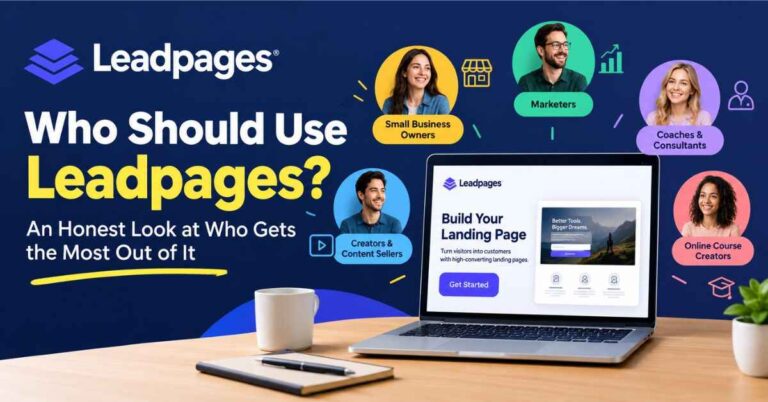
Who Is Leadpages Actually For?
Features are nice, but let’s talk about real people.
The coach or freelancer who wants more bookings. Say you’re a business coach. Right now you’ve got a general services page and a contact form buried in the footer. With Leadpages, you’d build one page around one promise, something like “Book a free 30-minute strategy call,” with a short story, a couple of testimonials, and a booking button. Then you send your email list and social followers there instead of the homepage. Everyone sees one obvious next step.
The creator building an email list. A dedicated page for a free guide or checklist beats a little “subscribe” box in the sidebar nearly every time. Explain why it’s worth having, add a simple form, connect your email tool, and you’re set. Every new subscriber is someone who put their hand up and said “yes, tell me more.”
The small online store. A page built around one product or one launch offer can do better than a standard product listing, especially with ad traffic. Connect it to Shopify or Stripe, try a few headlines and images, and see what sells.
The agency juggling clients. Agencies live and die by speed. Make a first draft from a prompt, apply the client’s brand kit, publish on their domain, test a couple of versions. That’s a real time-saver, and the testing plans have room for multiple domains and unlimited pages.
The webinar or event host. For an event, the registration page is everything. Clear date and time, a short form, email reminders. You can have one live in an afternoon instead of waiting on a developer.
Leadpages Pricing: What You’ll Really Pay
Pricing makes people nervous, so let’s just lay it out. These are the plans on the Leadpages pricing page when I wrote this. Pay annually and you save 20%.
| Plan | Monthly price | Best for | Main highlights |
|---|---|---|---|
| Pro | $29 | Solo creators who just want to publish | 25 pages, 1 custom domain with SSL, 1 blog, AI page creation |
| Business | $49 | Small teams and agencies publishing more | 50 pages, 2 custom domains, 2 blogs, brand kit, CSV lead export |
| Grow | $99 | Marketers who want to test and improve | Unlimited pages and traffic, A/B testing, dynamic text, personalization, lead enrichment |
| Optimize | $199 | Performance marketers and growing teams | Everything in Grow, plus Smart Traffic, heatmaps, multivariate testing, auto-personalization |
There’s also a bigger Scale tier and a custom Enterprise option, but most people reading this will land somewhere between Pro and Grow.
A few things stood out when I went through the pricing page:
- No traffic caps on any plan. If a campaign goes well, you won’t get slapped with overage fees or pushed into an upgrade. Leadpages points out that some competitors do limit monthly visitors.
- You can remove the Leadpages branding on every plan. Free tools almost never let you do that.
- AI is included. Every plan comes with monthly AI credits. If you run out, top-ups start at $2.50.
Which plan should you pick?
My rule of thumb is pretty simple. If you just need to get pages live and you’re not ready to test anything, Pro or Business will do the job. If you want to improve your results over time, and you run campaigns where every percentage point counts, Grow is where things get interesting. It’s even labeled the most popular plan, and I can see why.
Still not sure? Just try it. Start the 7-day free trial and see which plan fits. It’s about the lowest-risk way to find out.
One quick heads-up. The trial asks for a card when you sign up, and you won’t be charged until day 7. You can cancel any time before that from your account settings. Put a reminder in your phone so it doesn’t sneak up on you.
The Good, and What to Know Before You Buy
A review that’s all praise isn’t worth much, so here’s the honest version.
What I like:
- It’s built to get people to act, not just to look pretty. Lots of builders make nice pages. Leadpages is designed around conversions.
- Testing is within reach. A/B testing at $99 a month puts a serious tool in range for solo marketers and small teams.
- The AI gets you moving. A decent first draft means pages go live instead of rotting in a drafts folder.
- Costs stay predictable. No traffic limits means no nasty surprise after a great month.
- It’s all in one place. Pages, blog, forms, testing, and integrations, without five separate subscriptions.
What to keep in mind:
- If you only need one simple page, like a “link in bio” page, a free tool might be plenty. Leadpages shines when you plan to measure and improve.
- The fanciest optimization features, Smart Traffic and heatmaps, live on the $199 plan.
- The AI draft is a head start, not a finished product. Your real stories and your voice are what make a page convert.
- It rewards people who actually use it. If you build a page and never look at it again, you’ll leave most of the value on the table.
I’d rather you hear all that now than feel let down later.
How to Start Without Overthinking It
The biggest mistake people make with a tool like this is trying to build everything on day one. Please don’t. Here’s a calmer way to use the trial:
- Pick one goal. Email signups, call bookings, or a product sale. Just one.
- Generate a page from a short description. Tell the AI what you offer and who it’s for, then read what comes back.
- Make it sound like you. Swap out anything generic for something real, like a result you got, a customer quote, or a detail only you would know.
- Connect your email tool or CRM. Make sure your leads land somewhere you can follow up.
- Publish and send a little traffic. Even a few dozen visitors will teach you something.
- Change one thing and test it. If you’re on Grow or Optimize, try a different headline. It’s usually the biggest lever on any page.
That’s it. You don’t need a perfect page. You need a live one, and a habit of making it a little better each week.
A Few Quick Questions
Is Leadpages free? There’s no permanent free plan. Every plan does come with a 7-day free trial and full access during that time. You can build and preview pages before paying, but going live on a real URL needs a paid plan.
Do I need to know how to code? Nope. The AI builder and visual editor handle it. If you want to add custom code later, you can.
Can I use my own domain? Yes. Every plan includes at least one custom domain with SSL.
Will it work with my email tool? Probably. It connects with Mailchimp, HubSpot, Klaviyo, Salesforce, and plenty more, and Zapier or webhooks can cover the rest.
Can I cancel anytime? Yes, from your account settings. You can also move up or down between plans, and changes kick in on your next billing cycle.
So, Is Leadpages Worth It?
Let’s go back to where we started.
You can keep sending people to a page that tries to do everything and hope something sticks. Or you can give visitors one clear path and learn from what they do. The second way is how small improvements slowly turn into real growth.
Leadpages makes that second way a lot easier. The AI builder gets you moving fast. The editor lets you stay in control. The testing tools stop you from guessing. And with no traffic caps, the pricing is easy to wrap your head around.
It won’t save a weak offer, and it won’t do your thinking for you. But if you’ve got something worth selling and you want a simple way to turn more visitors into subscribers and customers, it’s one of the more practical tools out there.
So don’t take my word for it. Try it with one real page and one real goal. Start your 7-day Leadpages trial and see what your first page can do. If it’s not for you, cancel before the trial ends. If it is, you might wonder why you waited so long.
Quick note: some links in this post are affiliate links. If you click one and decide to sign up, I may earn a small commission at no extra cost to you. I only recommend tools I think are genuinely useful, and my opinions are my own. Prices and features can change, so please check the official Leadpages site for the latest details before you buy.