GoHighLevel Plans Compared: Starter vs Unlimited vs Agency Pro
You open the pricing page, see three columns with three very different prices, and a small voice in your head asks, “which one will I regret?” That’s the whole problem with GoHighLevel plans: the names sound similar, the feature lists overlap, and nobody tells you in plain words which one actually matches your situation. Pick too small and you hit a wall in a few weeks. Pick too big and you’re paying for features you’ll never touch. So let’s slow down and go through each plan the way a friend would explain it, with real numbers and no jargon.
The Pricing Page Problem
Here’s a scene you might recognize.
You’ve decided GoHighLevel is worth a closer look. Maybe you’re tired of paying for a CRM, a funnel builder, an email tool, and a scheduler separately. Maybe a friend mentioned it. Maybe you saw a demo and thought, “okay, that could actually fix my follow-up problem.”
So you head to the pricing page. And there it is. Starter. Unlimited. Agency Pro. Each with a list of features, some of which you’ve never heard of. “SaaS Mode.” “Rebilling.” “Sub-accounts.” “API access.”
Now you’re not thinking about growing your business anymore. You’re thinking about whether you understand the words on the screen.
This is where a lot of people either freeze or guess. They pick the cheapest because it feels safe, or they pick the most popular because it feels smart. Sometimes that works out. Sometimes it doesn’t.
Why Guessing Costs More Than You’d Expect
Choosing the wrong plan isn’t a disaster, but it isn’t free either.
If you go too small, you’ll run into limits at the worst moment. Maybe you sign a fourth client and suddenly can’t set up their account. Maybe you realize the thing you wanted to do needs a higher tier, and now you’re upgrading in a hurry instead of on your own terms.
If you go too big, you’re simply paying for capacity you don’t use. An extra couple hundred dollars a month adds up fast when you’re not yet making use of what it buys.
And there’s a quieter cost too: confusion. When you don’t fully understand what you’ve bought, you tend to use it less. You hesitate to build things because you’re not sure what’s included. The tool ends up feeling bigger and scarier than it is.
The fix isn’t complicated. It’s just understanding what each plan is actually for. Once that clicks, the choice usually becomes obvious.
First, What Is GoHighLevel?
Quick refresher, in case you’re new.
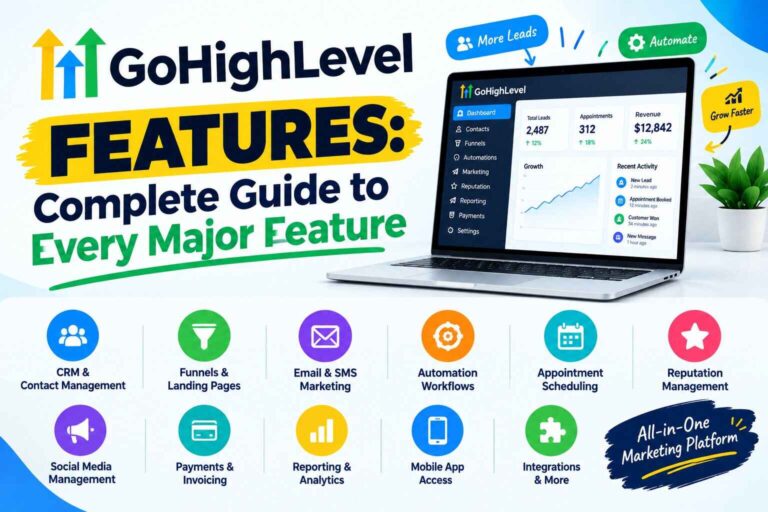
GoHighLevel is an all-in-one platform for marketing, sales, and client management. Instead of paying for separate tools, you get a CRM, funnels and websites, email and text messaging, booking calendars, automations, review requests, invoicing, courses, and more, all connected in one place.
It started out aimed at marketing agencies, which explains some of how the plans are structured. But local businesses, coaches, consultants, and freelancers use it too.
The important thing to know before comparing plans is this: the core platform is largely the same across the tiers. On the official pricing page, every plan includes unlimited contacts and unlimited users. What changes as you move up is mostly how many separate client workspaces you can run, and whether you can resell the platform as your own.
That detail alone clears up a lot of confusion.
If you’d like to see the plans on screen while you read, you can open the GoHighLevel pricing details here and follow along.
GoHighLevel Plans: The Three Tiers in Plain English
Here’s the breakdown, based on what the official pricing page lists at the time of writing. Prices change, so always confirm the current numbers on the official site before you decide.
A quick vocabulary note first. A sub-account is simply a separate workspace inside GoHighLevel. Think of it as its own little office with its own contacts, funnels, and automations. Agencies typically create one per client. A single business might only need one.
Starter: $97 a month
The official page describes this one as perfect for smaller businesses and solo marketers. Here’s what it includes:
- 3 sub-accounts
- Unlimited contacts
- Unlimited users
- 24/7 support
- All core features
If you pay yearly, it’s listed at $970, which works out to roughly two months free compared with paying month to month.
Who it’s really for: Anyone running their own business, or a freelancer just starting to serve clients. If you’re a local service business, a coach, a consultant, or a solo marketer with a few clients, this plan gives you the whole core toolkit.
Those 3 sub-accounts are more useful than they sound. One might be your own business, one a client, and one a test account where you try things without risk. Plenty of people never need more than that.
Where you’d outgrow it: The moment you want to serve more than a few separate clients. That’s the main limit. It’s not about features, it’s about how many workspaces you can run.
Unlimited: $297 a month
This one’s marked as the most popular on the pricing page, and it’s built for growing agencies. It includes everything in Starter, plus:
- Unlimited sub-accounts
- Rebilling of phone and email usage (at no markup)
- Basic API access
Yearly pricing is listed at $2,970.
Who it’s really for: Agencies and freelancers managing a growing list of clients. If you expect to add clients regularly and don’t want your software bill to jump every time you sign someone new, this is the plan built for that.
There’s a real logic to it. Whether you have 5 clients or 50, the base price stays the same. That’s what “unlimited” buys you.
The rebilling feature deserves a quick explanation. Texts, calls, and email usage are billed separately from the plan (more on that below). With rebilling, you can pass that usage cost on to your clients through the platform, at cost, without markup. That means you’re not stuck absorbing their messaging costs yourself.
Agency Pro: $497 a month
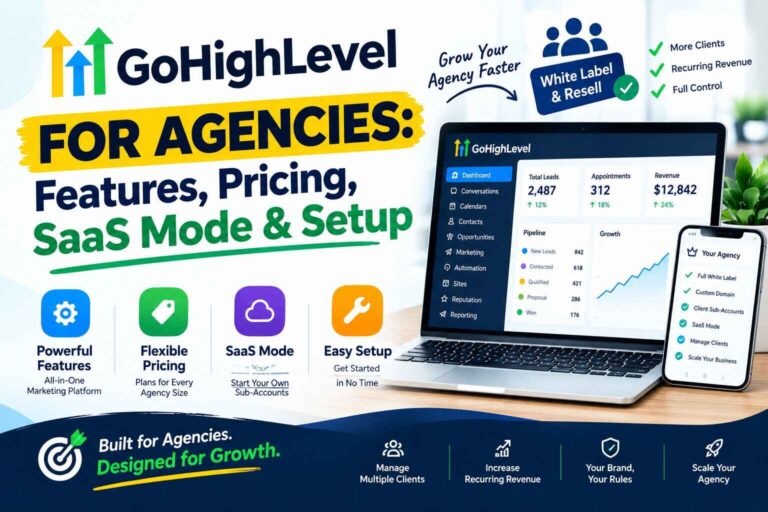
This is the top self-serve tier, and it’s pitched at people who want to go beyond serving clients and start selling GoHighLevel as their own software product. It includes everything in Unlimited, plus:
- SaaS Mode
- Automated sub-account creation
- Rebilling of phone and email with markup
- User and agent reporting
- Advanced API access
Yearly pricing is listed at $4,970.
Who it’s really for: Agencies that want to package the platform as their own branded software subscription, with clients signing up and accounts being created automatically. If you’re not planning to do that, this plan probably isn’t for you.
The standout difference is rebilling with markup. On Unlimited you can rebill usage at cost. On Agency Pro you can add your own markup, which turns usage into a potential revenue line.
That’s a business model decision, not a “more features is better” decision. It only makes sense if reselling is part of your plan.
Enterprise: custom pricing
There’s also an Enterprise tier for high-volume businesses and agencies, with custom pricing, dedicated account management, premium support, and a few extras. You’d speak to the team directly for this one. Most people reading this won’t need it.
The Plans Side by Side
Here’s a quick comparison to keep it all in one place.
| Starter | Unlimited | Agency Pro | |
|---|---|---|---|
| Monthly price | $97 | $297 | $497 |
| Yearly price | $970 | $2,970 | $4,970 |
| Sub-accounts | 3 | Unlimited | Unlimited |
| Contacts and users | Unlimited | Unlimited | Unlimited |
| Rebill phone and email | No | Yes, at cost | Yes, with markup |
| SaaS Mode | No | No | Yes |
| API access | Core | Basic | Advanced |
| Best for | Solo and small business | Growing agencies | Agencies reselling as software |
All three plans include a 14-day free trial, according to the official page.
The Part Most People Overlook: What Sits on Top of the Plan
Before you pick, there’s something you should know, and it applies to every tier.
The monthly price covers the platform. But some features are billed by usage on top, specifically things like text messages, phone calls, email sending, and AI tools. The official page marks these with an asterisk and notes that usage-based charges apply.
For light users, this is small. A local business sending a few hundred texts a month might add around ten dollars. For heavy senders or agencies running lots of campaigns, it’s more significant.
On top of that, there’s a list of optional add-ons you can bolt on if you want them. A few examples from the official page:
- AI Employee plans, starting at $50 a month per sub-account
- A branded client portal app at $49 a month per sub-account
- Dedicated email IPs at $59 a month per IP
- A white label mobile app at $497 a month
- WhatsApp integration at $10 a month per sub-account
You don’t need any of these to get started, and plenty of people never add them. I mention them so the numbers on the pricing page don’t feel like the full story. Always check the official site for current add-on pricing.
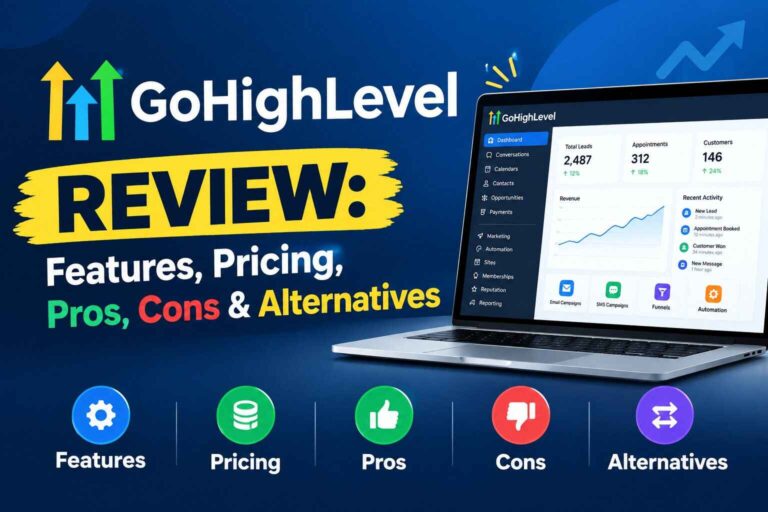
One more thing worth knowing: the official page states that billing begins automatically at the end of any free trial unless you cancel, and that usage-based fees can apply during the trial. So if you start the trial, put the end date on your calendar and keep an eye on your usage. Also Read: GoHighLevel Review 2026: Features, Pricing, Pros, Cons & Alternatives
How to Choose Your Plan (A Simple Way to Decide)
Forget the feature lists for a minute. Answer these questions instead.
1. Are you serving clients, or running your own business?
If it’s your own business (or just you plus one or two clients), Starter likely covers you. If you’re building a client-based agency, look at Unlimited.
2. How many clients do you have or expect in the next six months?
Three or fewer? Starter works. More than that, and Unlimited will save you from hitting the cap.
3. Do you plan to resell the platform as your own software?
If yes, Agency Pro is the one built for it. If no, you almost certainly don’t need it.
4. Do you want to pass usage costs to clients?
At cost, Unlimited covers that. With markup, you need Agency Pro.
5. Are you already getting leads?
If you have almost none, start with the smallest plan that fits and focus on lead flow first.
6. Will you pay monthly or yearly?
If you’re confident, yearly pricing saves roughly two months’ worth. If you’re not sure yet, start monthly. The official page says there’s no long-term contract, so you can upgrade, downgrade, or cancel from your dashboard.
Most people land on an answer by question two or three.
Real-Life Examples: Who Picks What
These are illustrations, not guaranteed results. They show how the thinking tends to go.
The local cleaning business owner
Imagine a woman who runs a small cleaning company. She wants faster replies to quote requests, automatic booking, and review requests after each job. She has one business and no plans to serve other companies.
Starter is the obvious fit. She gets the full core toolkit, and she even has spare sub-accounts if she ever wants to test something separately. Paying for Unlimited would be spending money on capacity she’d never use.
The coach with a small client roster
Picture a business coach who also helps a handful of other coaches set up their booking and follow-up. He’s got three people he works with, plus his own business.
That’s four workspaces, one more than Starter allows. He’d likely start on Starter and upgrade to Unlimited when the fourth client comes along. The official page says you can switch plans as you grow, and mid-month upgrades are prorated, so there’s no need to buy the bigger plan before he needs it.
The growing freelance agency
Imagine a freelancer who started with two clients and now has eight, with more on the way. She builds a solid follow-up system once and loads it into each new client’s workspace.
Unlimited is built for exactly this. Her base price stays flat as she adds clients, and she can pass messaging costs along to them through rebilling. She might have started on Starter, but the cap is what pushed her up.
The agency that wants to sell software
Picture an agency owner who’s built a strong system and wants to package it as a branded software subscription. Clients would sign up on his own website, and accounts would get created automatically.
That’s the Agency Pro use case, with SaaS Mode and markup rebilling as the big draws. But it’s a different business model, so he’d want to think carefully about whether he actually wants to run a software product before paying for it.
Common Mistakes When Choosing a Plan
I’ve seen these come up again and again.
Buying the biggest plan “just in case.” Upgrades are easy and prorated. There’s rarely a reason to pay for capacity before you need it.
Picking Agency Pro without a plan to resell. SaaS Mode is only valuable if you’re actually going to use it.
Ignoring usage costs when budgeting. The plan price isn’t your whole monthly bill. Estimate your texts, calls, and emails too.
Forgetting about the trial’s end date. Billing begins automatically unless you cancel, so set a reminder.
Judging by features alone. The core platform is similar across plans. The differences are mostly about workspaces and reselling, so think about your business model, not the checklist.
Skipping the yearly math. If you’re sure you’ll use it, yearly pricing saves roughly two months. If you’re not sure, don’t lock in yet.
When No Plan May Be Right Yet
Being honest here is part of being useful.
If you barely have any leads, or you only send a monthly newsletter, you might not need a full platform yet. Even the smallest plan is a real monthly cost, and a simpler tool might serve you better for now.
If you don’t want to spend time learning a new system, that matters too. There’s a learning curve, and it takes a few weeks of regular use to feel comfortable.
And if your budget is tight, remember to count usage costs on top of the plan before deciding.
None of that is a knock on the platform. It just means timing matters.
Not sure which tier matches your situation? It’s worth checking the current plan details here and running through the questions above with the real numbers in front of you.
A Smart Way to Start Without Overcommitting
If you’re leaning toward trying it, here’s a low-risk approach.
Start on the smallest plan that fits. For most solo and small business users, that’s Starter. For anyone with several clients already, it may be Unlimited.
Use the 14-day free trial properly. The official page says it’s available on any plan. Pick one real problem, like following up with new leads, and build one simple flow to test it.
Watch your usage during the trial. The page notes that usage fees can apply, so keep an eye on your wallet.
Set a calendar reminder. Put it a couple of days before the trial ends, so the decision is yours and not an accident.
Upgrade only when you actually hit a limit. Don’t pay for room you don’t need.
This way you’re never locked into a big commitment before you’ve seen the platform work for you.
So, Which One Should You Pick?
Here’s the shortest honest answer I can give.
If you run your own business or serve a few clients, Starter probably covers you, and it’s the cheapest way to get the full toolkit.
If you’re building an agency and expect your client list to grow, Unlimited is built for that, and it keeps your base cost flat as you scale.
If you want to resell the platform as your own branded software, Agency Pro is the one designed for that, but only if that’s genuinely part of your plan.
And if you’re unsure, start small. Upgrades are easy, prorated, and there’s no long-term contract according to the official page. Starting small and growing into a bigger plan costs you far less than starting big and realizing you didn’t need it.
If you’ve got a rough idea of which tier fits, the next step is simply to look at the details yourself. You can see GoHighLevel’s current plans and trial here and decide at your own pace.
Quick Answers to Common Questions
How many GoHighLevel plans are there?
The official pricing page lists three self-serve plans, Starter, Unlimited, and Agency Pro, plus a custom Enterprise option.
What’s the difference between Starter and Unlimited?
Mainly the number of sub-accounts. Starter includes 3, while Unlimited includes unlimited sub-accounts. Unlimited also adds rebilling of phone and email usage at cost, and basic API access.
What does Agency Pro add?
SaaS Mode, automated sub-account creation, rebilling with markup, user and agent reporting, and advanced API access. It’s aimed at agencies that want to resell the platform as their own software.
Is there a free trial?
Yes. The official page lists a 14-day free trial on any plan. Billing starts automatically at the end unless you cancel, and usage fees can apply during the trial.
Can I switch plans later?
Yes. The official FAQ says you can upgrade, downgrade, or cancel anytime, and mid-month upgrades are prorated.
Is there a long-term contract?
No. Plans are month-to-month, according to the official page.
Is there a discount for paying yearly?
Yearly pricing is listed at $970 for Starter, $2,970 for Unlimited, and $4,970 for Agency Pro, which is roughly two months free compared with paying monthly.
Are there costs beyond the plan price?
Yes. Texts, calls, email sending, and AI tools are billed by usage, and there are optional paid add-ons. Check the official pricing guide for current rates.
One Last Thing
The best plan isn’t the biggest one or the cheapest one. It’s the one that fits what you’re actually doing right now, with room to grow when you need it.
I hope this breakdown of the GoHighLevel plans gave you a clearer, calmer way to choose, with real questions to ask instead of a wall of features. If you’d like to see the current options yourself, the link is below. Take a look at GoHighLevel here →
Affiliate disclosure: Just so you know, some links in this post are affiliate links. If you sign up through one, I may earn a small commission, and it won’t cost you anything extra. That helps keep this blog going. I try to be honest about the limits of anything I write about, because I’d rather you make a good decision than a quick one.