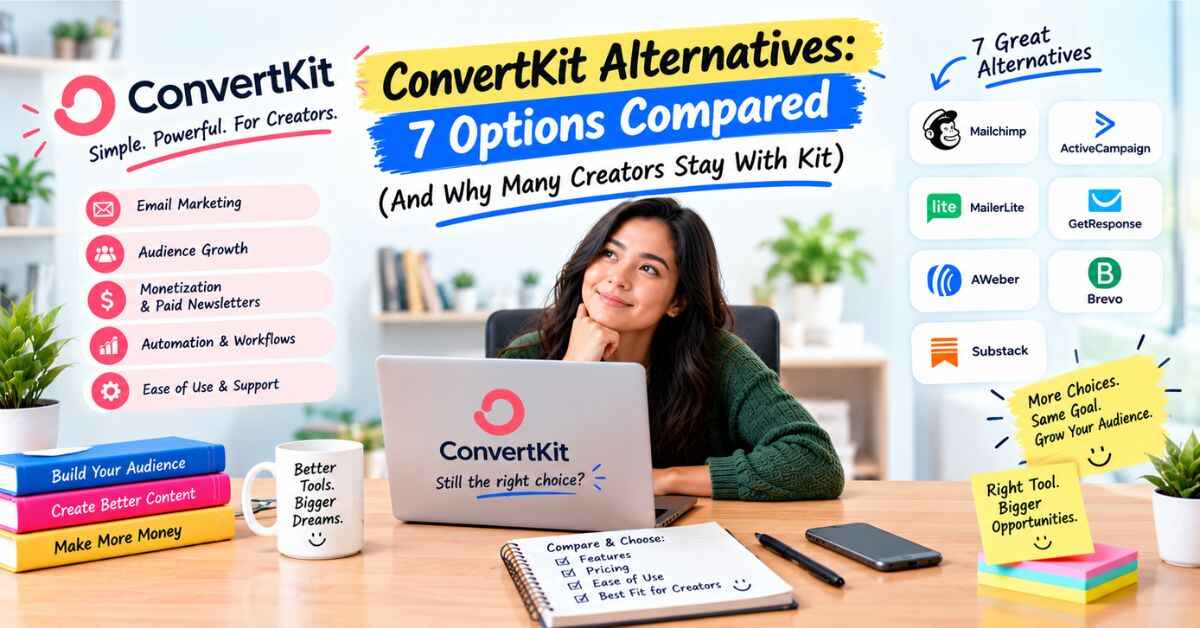
ConvertKit Alternatives: 7 Options Compared (And Why Many Creators Stay With Kit)
If you’re searching for ConvertKit alternatives, there’s usually a reason behind it. Maybe the bill went up. Maybe your list grew and the price grew faster. Maybe you wanted automations and found out they sat behind a plan you weren’t on. Or maybe you’ve simply heard the name for years and want to know whether something cheaper or simpler has come along. All fair reasons, and I’ll go through them honestly.
One thing to clear up first. ConvertKit is now called Kit. The company renamed itself in 2024, so when I say Kit, I mean the same platform. That matters for this article, because I’ll compare the main alternatives, tell you where each one wins, and then explain why a lot of creators look around, shrug, and stay.
If you write, teach, coach, podcast or sell digital products, this should save you a few hours of tab-hopping.
Why People Start Searching for Alternatives
Let me describe how this usually goes, because I think you’ll recognize it.
You pick an email tool. It works. You send newsletters, you collect a few hundred subscribers, life is fine. Then one of three things happens.
The price creeps up. Your list grows, which is good news, and then the monthly bill grows with it. Some reviewers also point out that Kit raised prices on some plans in late 2025. When a bill goes from “I barely notice it” to “I notice it every month,” your brain starts window-shopping.
You hit a limit. You want a welcome sequence that runs on its own, and you find out your plan doesn’t include automations. Or you want to connect another tool and discover integrations are on a higher tier.
You get curious. A friend mentions a different platform. A YouTuber raves about another. Now you wonder if you’re missing out.
All of those are normal. The trouble is what happens next. People open ten tabs, read six biased comparison posts (yes, this one has an affiliate link too, and I’ll be upfront about that at the end), start two free trials, and then forget which password goes with which tool. A week disappears. Your list sits untouched. And your followers are still living on platforms that can change the rules overnight.
The fix is to stop asking “what’s the best tool?” and start asking “what’s the best tool for what I’m doing?” Let me help with that. First, a quick look at what you’d be comparing against.
What Kit (Formerly ConvertKit) Offers Today
Kit is an email marketing and newsletter platform built for creators. According to Kit, more than 550,000 creator business owners use it. Its site shows names like Pat Flynn, Tim Ferriss, James Clear, Ali Abdaal and Mark Manson. That doesn’t prove it’s right for you, but it shows people with real audiences trust it with their lists.
Here’s what it covers:
- Forms and landing pages to collect emails
- Newsletters and broadcasts, with unlimited sends
- Visual Automations for automatic email sequences
- Selling digital products, paid newsletters and subscriptions
- A Recommendations feature where creators recommend each other’s newsletters
- Subscriber insights, showing who’s reading, clicking and buying
- Free migration help from Kit’s team
And here’s the pricing, from Kit’s pricing page at 1,000 subscribers. The free plan covers up to 10,000 subscribers and includes unlimited forms, landing pages and email broadcasts, plus the ability to sell digital products and subscriptions. It does not include visual automations or integrations. Creator is about $33 a month when billed yearly. Pro is about $66 a month billed yearly, with a limited-time 25% first-year offer. There’s a 14-day free trial of paid plans, and Kit says no credit card is needed.
Prices change, so check the live page. Now let’s look at the alternatives. Also read: Kit Review: Is This Email Platform Really Worth It for Creators in 2026?
ConvertKit Alternatives: How the Main Options Compare
I’ll keep this practical. For each tool, I’ll say what it offers, who it suits and where it can fall short. All the pricing below comes from each company’s own pricing page as I saw it today. Where a company’s page didn’t show something clearly, I’ll say so.
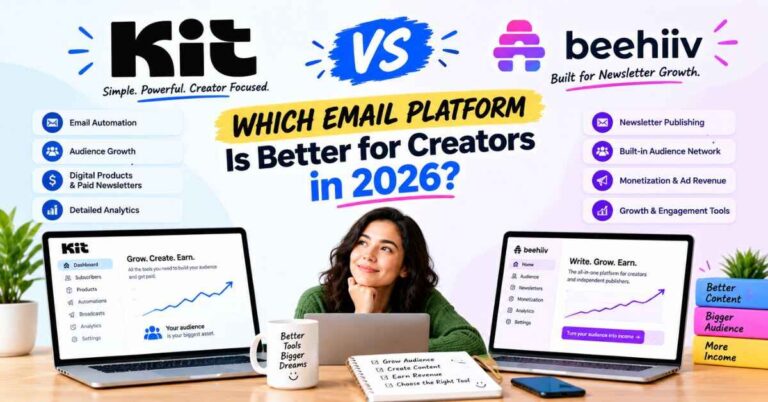
1. Beehiiv
Beehiiv is the newsletter-first platform you’ll hear about most. Its free plan covers up to 2,500 subscribers. Paid plans listed on its page are Lite at $49 a month and Pro at $95 a month on yearly billing. Automations start on Lite. Beehiiv also says it takes 0% of paid subscription and digital product revenue, though card processing fees still apply.
Good for: Writers whose whole business is the newsletter, and anyone who wants ad monetization built in.
Worth knowing: If you also want to sell products and run launch sequences, Kit’s setup is broader. Beehiiv’s 0% platform fee is a real plus if you expect big sales volume.
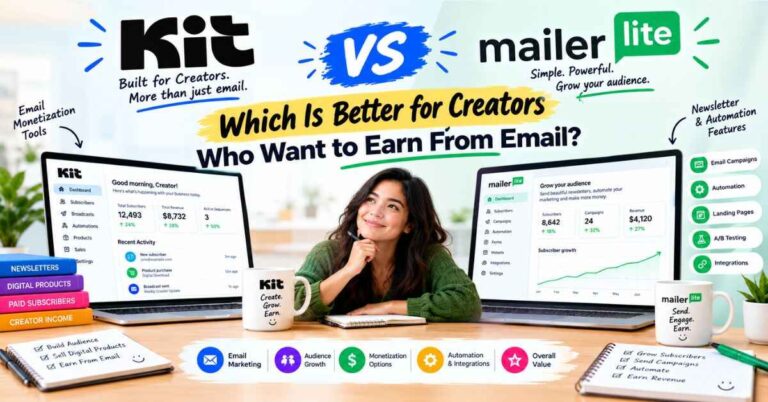
2. MailerLite
MailerLite is the budget-friendly, beginner-friendly choice. Its free plan covers up to 250 subscribers and 2,500 emails a month, and it includes 3 automations. Paid plans start at $12 a month (Comfort) and $25 a month (Power), and the price scales with your list.
Good for: Beginners on a tight budget who want something simple.
Worth knowing: The free plan is tiny compared with Kit’s 10,000 subscribers. As you grow, you may start wanting creator-specific tools like Recommendations and deeper selling features.
3. Mailchimp
Mailchimp is the name everybody knows. Its free plan covers up to 250 contacts with a cap of 500 emails a month and no automations. Paid plans start at $13 a month (Essentials) and $20 a month (Standard), but those are first-year promotional rates and they scale with contacts. It lists 300+ integrations.
Good for: Small businesses and online shops that want a familiar, broad marketing platform.
Worth knowing: It’s built for a wide range of businesses, not specifically creators. Its 14-day trial on paid plans also asks for payment information.
4. ActiveCampaign
ActiveCampaign is the powerful one. It lists no free plan, just a 14-day free trial. It offers deep automation, CRM add-ons for sales pipelines, and, according to Kit’s comparison page, 900+ automation templates and 1,000+ integrations. Its page didn’t show dollar prices when I looked.
Good for: Businesses with a sales process, a team and lots of tools to connect.
Worth knowing: It can be a lot for a solo creator. A powerful tool you don’t use costs you even when it’s working fine.
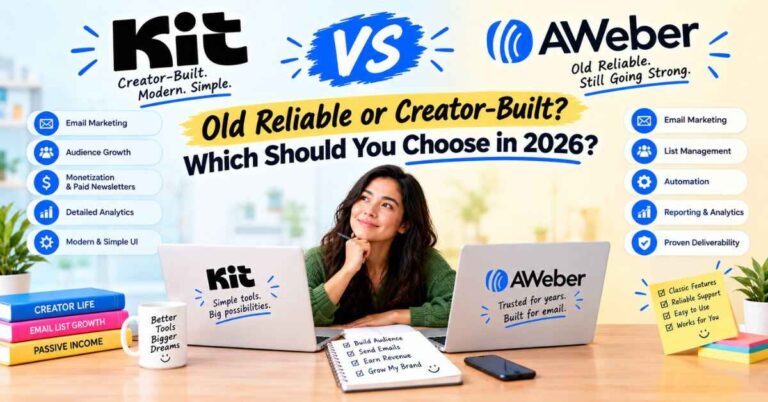
5. AWeber
AWeber is one of the oldest names in email marketing. Its pricing page showed Lite at $12.49 a month and Plus at $19.99 a month on annual billing, plus a “Done For You” plan at $20 a month with a $79 setup fee where its team sets things up for you. It offers a free plan, though I couldn’t see its limits. Kit’s comparison lists 600+ templates and 700+ integrations for AWeber.
Good for: People who want a veteran tool, a big template library and the option to have someone set it up.
Worth knowing: Prices rise with your list, and Kit describes AWeber’s automations as more limited. That’s Kit’s claim, so test it yourself.
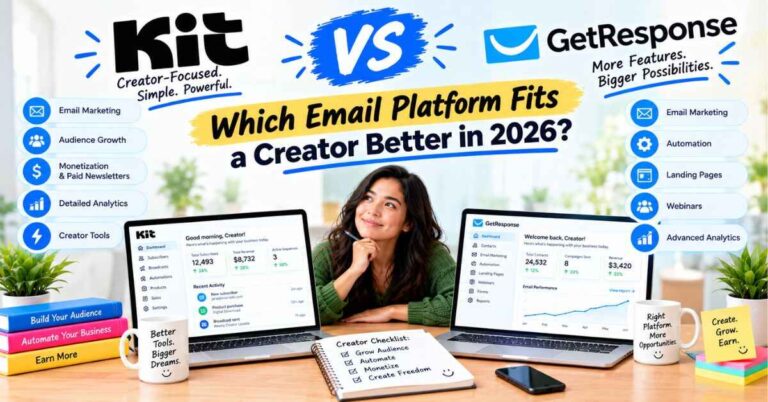
6. GetResponse
GetResponse is a broad all-in-one suite. Its page showed Starter at $19 a month ($15.58 billed annually), Marketer at $59 ($48.38 annually) and Creator at $69 ($56.58 annually). Starter includes just one custom automation workflow. Higher plans add funnels, ecommerce tools, webinars, a website builder and a course creator for up to 500 students. No free plan appeared on its page.
Good for: People who want webinars, funnels and a course platform bundled in with their email.
Worth knowing: More features means more to learn. For unlimited automations you need Marketer, which costs more than Kit’s Creator.
7. Substack
Substack makes publishing a paid newsletter very simple. You write, you publish, and you can charge readers. I didn’t pull its current pricing for this article, so I’ll keep this general.
Good for: Writers who want the simplest path to a paid newsletter.
Worth knowing: You’re building inside Substack’s ecosystem, with less control over automation, branding and selling beyond one paid newsletter. Check its current terms before you commit.
Comparison lists only get you so far. The easiest way to know if a tool fits is to click around in it. You can try Kit and see how it compares to what you’re using now. There’s a 14-day free trial of the paid features, and Kit says no credit card is needed to start.
Why Many People Search for ConvertKit Alternatives, Then Stay
Here’s the honest bit. Plenty of people go through that list, run the numbers, and land right back on Kit. Not because they’re stuck, but because the alternatives solve one problem and create another. Let me explain.
The cheaper tools often charge you elsewhere
A lower starting price is nice. But look at what’s actually included. MailerLite’s free plan caps you at 250 subscribers. Mailchimp’s free plan caps you at 250 contacts and 500 emails a month, with no automations. GetResponse’s cheapest plan includes one custom automation. Beehiiv’s automations start on its $49 Lite plan.
Meanwhile Kit’s free plan covers up to 10,000 subscribers, and Creator at about $33 a month gives you unlimited automations and sequences. If you compare like with like, Kit often looks more reasonable than the headline prices suggest. Not always, and I’ll cover where it doesn’t below.
Automations built for how creators work
If there’s one feature that keeps people on Kit for years, it’s Visual Automations.
Think about what you want to happen when someone joins your list. A warm welcome email goes out right away. A couple of days later they get your best free resource. A few days after that, a short story about why you do this work. Later, a gentle mention of something you sell.
By hand, that isn’t realistic. In Kit you draw it like a flowchart. Someone signs up, gets this email, waits two days, gets that one. You can split people into paths based on what they click, so someone who loves your productivity tips doesn’t get the same emails as someone who joined for fitness content. You build it once and it runs by itself.
More ways to earn from the same list
Kit lets you sell digital products, paid newsletters and subscriptions right from the platform, and it also offers newsletter sponsorships and paid recommendations. The listed fee is 0.6% plus normal card processing. Because every sale connects to a subscriber, you can see who bought and follow up with something that fits them.
Recommendations
Kit has a feature where creators recommend each other’s newsletters. When someone joins your list, they may see suggestions from other creators in your space, and your newsletter gets shown to their readers too. Kit says creators who use it grow their lists about twice as fast. I’d treat that as a best case, because results depend on your niche and setup. But it’s a nice way to grow beside other creators.
Free migration, if you’re moving in
If you’re coming from another tool, Kit advertises free migration. Their team moves your subscribers, tags, segments, automations and forms, then checks that every active subscriber made it. They say your part takes about an hour. Ask exactly what’s included, but it takes the biggest excuse out of switching.
Where Kit Isn’t the Best Choice
I told you I’d be honest. A positive review that hides the downsides isn’t worth reading, so here they are.
If your list is very large and your budget is tight, some alternatives cost less. Kit’s price rises with your subscriber count. Run the numbers at your own list size.
If you only want a simple paid newsletter, Beehiiv or Substack may feel more focused. Beehiiv’s 0% fee on paid subscriptions is a point in its favor.
If you need a full sales CRM, ActiveCampaign is built for it. Kit isn’t trying to be a sales department.
If you want webinars, a website and a course platform in the same tool, GetResponse offers those on its higher plans.
If you want automations on a free plan, Kit’s free plan doesn’t include them. MailerLite’s free plan includes three, though for only up to 250 subscribers.
If you’re unhappy about price increases, I can’t promise future prices. Check the live pricing page, and consider paying yearly, which Kit lists as saving about 17%.
Kit fits one kind of person really well: someone who creates content, wants an audience they own, and wants to earn from it in a simple way. If that’s you, these downsides are usually easy to live with.
How Different Creators Might Choose
These are examples of how people in different roles typically decide. They’re not income claims.
The Instagram creator with no list. You run a motivational page, post daily and have nothing beyond the feed. You want a list now and a workbook later. Kit’s free plan lets you start collecting emails today, and Creator gives you automations when you’re ready for a welcome sequence.
The writer who only wants a newsletter. You write a weekly essay and want readers to pay. Beehiiv or Substack could feel simpler. If you also want to sell a book or a course, Kit’s all-in-one setup starts to make sense.
The blogger with steady traffic. You want readers to come back. A form on your posts and a short automated sequence is the core, and Kit handles that well and connects to WordPress.
The coach who’s out of hours. A free mini-course delivered through automated emails warms people up before they ever speak to you. That needs good automations, which is Kit’s strength.
The beginner with almost no budget. A free tier from any reputable tool is a fine place to start. Kit’s free plan is generous for list building, so it’s worth trying first.
The business with a sales team. ActiveCampaign or GetResponse are worth a serious look.
A Short Checklist Before You Switch (Or Stay)
Whatever you decide, run through this first. It takes ten minutes and can save you weeks.
Write down what you need email to do in the next six months. Not everything. Just the main two or three things.
Check the price at your own list size. Not at 100 subscribers. Use each company’s pricing page or slider.
Look at what’s actually on your plan. Automations, integrations, users and support are the things people discover are missing.
Try the free plan or trial. Spend an hour in it. Build a signup form. Send yourself a test email. See which tool annoys you less.
Ask exactly what migration includes. Subscribers, tags, forms, automations and templates are not always the same thing.
Don’t switch in the middle of a big launch. Move during a quiet week, so nothing important breaks.
Decide and start. Three months of comparing and no list is worse than a decent tool you actually use.
If you’ve narrowed it down and Kit is one of your two, the easiest next step is to try it for free. You can start with Kit’s free plan and see how it feels. No pressure to upgrade. Set up a signup form, send yourself a test email, and see if it fits how you work.
My Final Verdict on ConvertKit Alternatives
After looking at the options, here’s where I land.
There are good ConvertKit alternatives. Beehiiv is strong for newsletter-first writers and has a 0% fee on paid subscriptions. MailerLite is friendly and affordable for beginners. Mailchimp is familiar and has a huge integration library. ActiveCampaign is powerful if you need deep automation and CRM. AWeber is a long-standing option with lots of templates. GetResponse bundles webinars, funnels and courses. None of them are bad choices.
But if you’re a creator who wants to build an audience you own, automate your emails, sell your own products and have real support along the way, Kit is the one that keeps coming out ahead for me. It isn’t the cheapest at every list size, and it won’t grow your list by magic. What it does is take away friction between you and a direct line to people who care about your work.
If you want your content to turn into something steadier, something that doesn’t disappear when an algorithm changes its mind, email is the foundation. And for most creators, a sensible move is simple: start on the free plan, learn what you need, and upgrade when the automations start paying for themselves.
You don’t have to commit today. Try it, set up a simple signup page, and see how it feels. Worst case, you learn something about your audience. Best case, a year from now you’ve got a list of people who chose to hear from you, and you’re glad you started.
Your audience is out there right now, scrolling, watching, listening. The real question is whether you’ll have a way to reach them next month if the algorithm shifts again. Take a look at Kit and see if it’s the right fit for you. It takes a few minutes to get started, and you can decide for yourself after that.
Quick Questions About ConvertKit Alternatives
Is ConvertKit the same as Kit? Yes. ConvertKit was renamed Kit in 2024. Same company, new name.
What’s the best ConvertKit alternative? It depends on what you need. Beehiiv suits newsletter-first writers, MailerLite suits beginners on a budget, ActiveCampaign suits businesses needing deep automation and CRM, and GetResponse suits people who want webinars and a course platform bundled in.
Does Kit have a free plan? Yes. It covers up to 10,000 subscribers with unlimited forms, landing pages and broadcasts. It doesn’t include visual automations or integrations. Paid plans come with a 14-day trial.
Is Kit cheaper than other tools? Not always. Some alternatives have lower starting prices, but they often limit automations or subscribers. Check each tool’s price at your own list size.
Can I move my list to Kit? Yes. Kit advertises free migration, with its team handling subscribers, tags, segments, automations and forms.
Do I need a credit card to try Kit? Kit says the free trial doesn’t need one.
Can I sell products through Kit? Yes. Digital products, paid newsletters and subscriptions, with a listed fee of 0.6% plus card processing.
A Quick Note About Links
Some links in this post are affiliate links. If you click one and sign up for Kit, I may earn a small commission, at no extra cost to you. I only recommend things I think can genuinely help the people reading, and I’ve tried to be upfront about where Kit isn’t the best fit. Either way, thanks for reading.