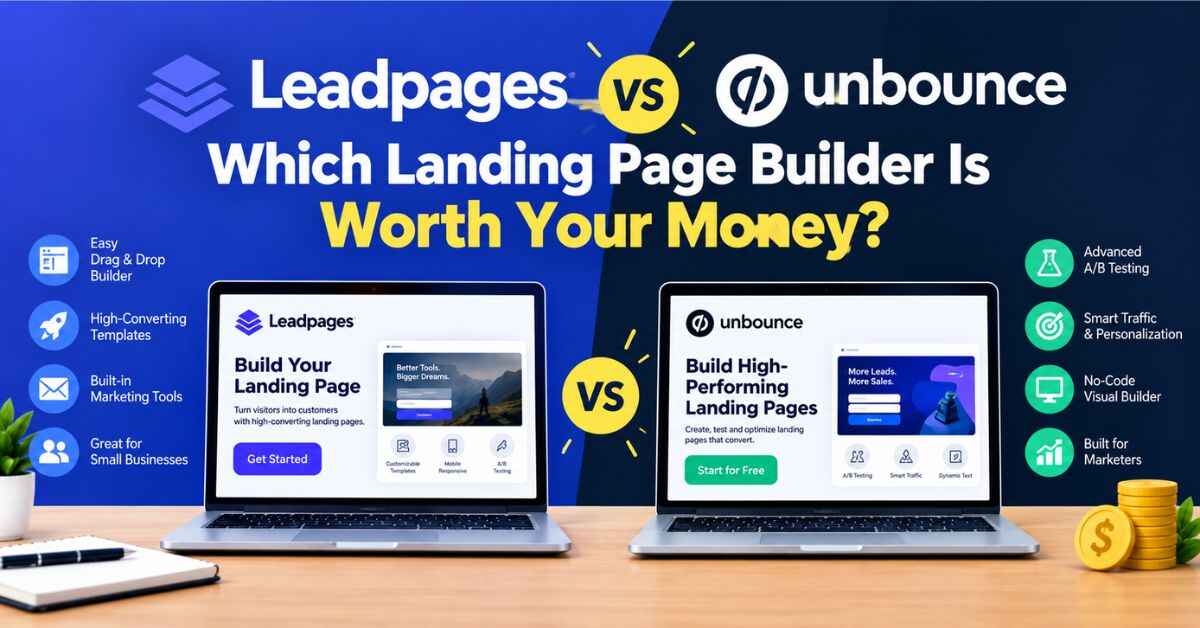
Leadpages vs Unbounce: Which Landing Page Builder Is Worth Your Money?
If you’re stuck on Leadpages vs Unbounce, I get it. Both tools build landing pages. Both let you test versions against each other. Both have loyal fans who’ll happily tell you theirs is the best. And when you open the pricing pages side by side, you end up with more questions than answers.
So here’s what I’ll do. I’ll walk you through how these two really differ, in plain language, including the one detail that surprises a lot of people when their first bill arrives. I think Leadpages is the better fit for most beginners, small businesses, and creators, and I’ll explain why. But Unbounce is a strong tool, and there are people it suits better. I’ll tell you who they are, so you can pick for the right reasons.
Let’s start with the situation that usually brings people here.
The Problem: Picking a Tool Feels Riskier Than It Should
You’ve got something to promote. A free guide, a service, a course, a local business, maybe an affiliate offer. You know your homepage isn’t doing the job, because people land there, look around, and leave. You need a focused landing page: one message, one next step.
So you start comparing tools, and it gets messy fast.
Every site says it’s easy. Every pricing page has tiers with confusing names. Some plans limit how many pages you can build. Others limit how many visitors you can have. A few feature names sound impressive but you can’t tell what they actually do. And the reviews? Many are written by people who earn a commission from whichever tool they recommend. (Yes, that includes me. I’ll be clear about that at the end.)
It’s an annoying decision, because it feels like one wrong click could cost you money or weeks of your time.
The Part That Stings When You Get It Wrong
Let me paint the worst-case version, because it happens.
You pick a tool based on a low starting price. You build a page, share it, and it starts working. People sign up. Your traffic grows. Then you notice something in your plan: a monthly visitor limit. Maybe you cross it during a good week, or after a post goes a little viral. Suddenly there are overage charges, or you’re nudged toward a more expensive plan.
That’s a strange kind of punishment. You did the right thing, you got more visitors, and your reward is a bigger bill.
Or the opposite happens. You pick a tool that’s far more complicated than you need, and you spend a month learning it instead of promoting your offer. Every evening you’re stuck, the little voice gets louder: “Maybe I’m not cut out for this.”
You are. The tool just wasn’t the right match.
Where Leadpages Fits In
Leadpages is a landing page builder made for people who want results without a steep learning curve. You choose a template, swap in your own words and images, connect your email service, and publish. That’s the core idea.
Around it, you get a drag-and-drop editor, a template library sorted by goal, pop-ups and alert bars, forms, integrations with popular email and marketing tools, A/B testing, and options for selling simple products and services right from your page. Based on what Leadpages and several comparison sites say, its plans are also built around no visitor caps, which matters more than it sounds. I’ll explain in a moment.
If you want to see the editor for yourself while you read, here’s a link: “Take a look at Leadpages and see how the editor feels”
And Where Unbounce Fits In
Unbounce is a landing page builder with a strong reputation among performance marketers, especially people running paid ads. It’s known for a flexible, design-friendly builder and for Smart Traffic, an AI feature that automatically sends each visitor to the page version most likely to convert them.
It’s a capable tool, and for the right person it can be worth the premium. Comparison sites generally describe it as the more expensive option of the two, with visitor limits that vary by plan.
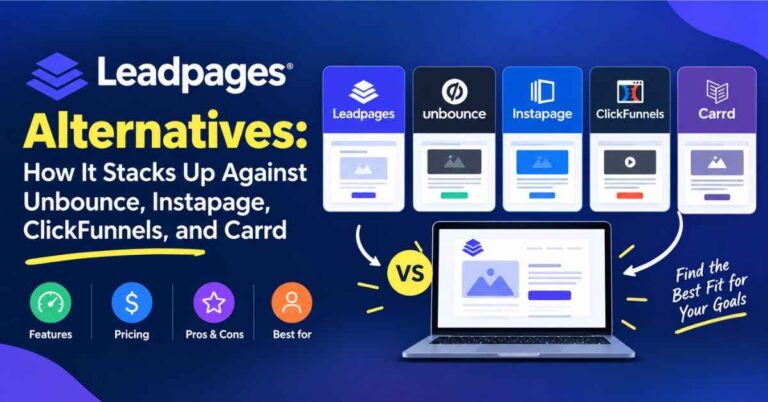
Leadpages vs Unbounce: A Fair Side-by-Side
Let’s go through the things that actually affect your day-to-day experience. A quick note first: both companies have adjusted their plans recently, and the sources I checked don’t always agree on exact prices or limits. So I’ll explain how things generally compare and tell you what to verify, instead of quoting numbers that may be out of date.
Ease of Use
Leadpages is known for being beginner-friendly. The editor is drag-and-drop, the templates are ready to go, and many people build a full page in a single sitting. If you’ve ever edited a slide in a presentation, you already have the skills.
Unbounce also uses a drag-and-drop editor, but it’s often described as giving you more design freedom, closer to a design tool. That’s great if you like fine control. It can feel like more to think about if you just want a good page up quickly.
Edge for beginners: Leadpages. Edge for design flexibility: Unbounce.
Traffic Limits (The Big One)
This is the difference I’d want every reader to understand before spending a cent.
According to Leadpages and several comparison sites, Leadpages doesn’t cap your visitors on any plan. Unbounce, on the other hand, sets monthly visitor limits that vary by plan, and exceeding them can mean extra charges or a push to upgrade.
For a small business or creator, that matters. Traffic is what you’re trying to grow. A tool that charges you more as you succeed makes budgeting harder. A tool without visitor caps lets you relax when a post takes off or a campaign does well.
If you only expect small, steady traffic, the difference may never touch you. But if you’re hoping for growth, it’s worth thinking about.
Edge for predictable costs: Leadpages.
Price
In general, Leadpages is positioned as the more budget-friendly of the two, and Unbounce as the more premium choice. Some Unbounce plans have a lower starting price on paper, but they come with tighter visitor limits, so the real cost depends on your traffic.
Leadpages appears to have restructured its plans in 2026, so please check its live pricing page for the current tiers instead of relying on older articles, including some of the ones I read while researching this.
Edge for most small budgets: Leadpages. Edge for tiny, low-traffic starts: worth comparing both carefully.
A/B Testing
Both tools let you test one page version against another so you can see which one gets more sign-ups. Instead of guessing which headline works, you let real visitors decide.
Leadpages includes A/B testing, with the plan level depending on the current tier structure. Unbounce also offers testing, with some plans gating it higher up.
Edge: about even. Check which plan includes testing on each.
AI and Smart Traffic
Unbounce’s headline feature is Smart Traffic. It uses AI to route each visitor to the page version most likely to convert them. It’s well regarded, and if you’re spending real money on ads, it can earn its price.
Leadpages also offers AI-powered optimization tools on its higher tiers, according to its materials, and some comparison pages say its version costs less. I wouldn’t treat the marketing claims on either side as gospel, but the takeaway is simple: if advanced AI optimization is your top priority, compare both tiers closely.
Edge for the deepest paid-ads optimization: Unbounce has the longer track record. Edge for value: worth comparing.
Pop-Ups, Integrations, and Everyday Tools
Both offer pop-ups, forms, and integrations with popular email and marketing tools. Leadpages connects with a long list of services, and its pop-ups and alert bars use the same editor as its pages, so there’s nothing extra to learn.
Before you commit to either, check that your own email service is on the integration list. It takes thirty seconds and saves you a headache.
Edge: about even.
Simple Websites
Leadpages lets you build simple multi-page websites and connect a custom domain, which suits freelancers and small businesses. Unbounce is more focused on landing pages specifically.
Edge for small websites: Leadpages.
Support and Learning
Both offer help guides and support. Leadpages also has beginner-friendly training material, which is helpful when you’re new. Also read: Leadpages Review (2026): Is This AI Landing Page Builder Really Worth Your Money?
So Who Should Choose Leadpages?
If these sound like you, Leadpages is probably a strong fit.
You’re a beginner. You want to get your first page live without a week of learning.
You’re a blogger or content creator. You want to turn readers into subscribers with a free guide, a pop-up, and a landing page.
You’re a coach, consultant, or course creator. You need a few focused pages, like a discovery call page, a workshop sign-up, and a launch page.
You run a small or local business. You need a page that explains what you do and makes it easy to request a quote or book a call.
You’re a freelancer. You want a simple online home without wrestling with plugins.
You’re an affiliate marketer. You want quick bridge pages that warm up traffic before sending it to an offer, with room to test different angles.
You care about predictable billing. You’d rather not worry about visitor limits as you grow.
And Who Might Prefer Unbounce?
I promised honesty, so here it is.
You run heavy paid advertising. If you’re spending serious money on ads, Unbounce’s Smart Traffic and its deep optimization toolkit may be worth the premium.
You work at an agency with many clients. Unbounce’s setup for client work is often praised.
You want pixel-level design control. If you like designing pages almost from scratch, Unbounce’s editor tends to be described as more flexible.
Your traffic is small and predictable. If you know you’ll stay under a plan’s visitor limit, a lower-priced Unbounce plan might fit, as long as you’ve checked the numbers.
I’d rather you choose the right tool than the one I happened to mention.
What a Day With Leadpages Actually Feels Like
Let me make this less abstract, because specs only tell you so much.
Say you’re offering a free checklist. You log in and click to create a new page. You see templates sorted by purpose, and you pick a lead-generation one. It opens in the editor, and there’s already a headline, a short description, an image, a form, and a button.
You click the headline and type your own. You swap the image. You change the button from “Submit” to “Send Me the Checklist.” You connect your email service so new sign-ups land on your list. You preview it on your phone and fix anything that looks awkward.
Then you hit publish.
That’s really it. Plenty of people go from “I have an idea” to “I have a live page” in one sitting. And that speed matters, because momentum is everything when you’re starting out.
The Benefits That Actually Matter
Feature lists are boring, so here’s what I think makes the difference in real use.
You Don’t Have to Be a “Design Person”
Templates are built with conversion in mind. The headline sits where eyes land first, the button is easy to spot, and the form isn’t buried. You’re borrowing good design decisions instead of guessing, which is a big advantage when you don’t yet know what “good” looks like.
Your Pages Work on Phones
Many of your visitors will open your page on their phones, probably while scrolling social media. If it looks broken, they’re gone in seconds. Leadpages templates adapt to smaller screens, and you can preview them while you edit.
Pop-Ups and Alert Bars for Your Existing Site
If you already have a blog or business site, you can add pop-ups and alert bars to capture visitors you’re already getting. Same editor, no extra tool to learn.
It Plays Nicely With Your Other Tools
When someone fills in your form, the details go straight into your email system. No copying names into a spreadsheet at midnight. No forgetting to send the free download.
Selling From Your Page
If you offer something simple, like a digital download, a consultation, or a workshop seat, Leadpages has checkout options for taking payments right on the page. According to Leadpages, these are tied to certain plans, so check which one you need.
Room to Grow Without Traffic Anxiety
Since Leadpages doesn’t cap visitors on its plans, a great week doesn’t turn into a billing surprise. For anyone hoping to grow, that’s a real peace-of-mind benefit.
Help When You’re Stuck
There are help guides, training resources, and a support team. Knowing there’s a real place to ask questions makes experimenting less scary.
Real-Life Examples
The blogger. She writes about budgeting and wants more subscribers. She builds a free-guide landing page, adds a pop-up on her best posts, and connects her email tool. One afternoon of setup, and her traffic starts turning into a list. Leadpages is plenty for this, and she doesn’t need to pay for advanced ad optimization she’ll never use.
The local trainer. He needs a single page that shows his services and makes it easy to book a call. He sends traffic there from Instagram and Google Business. A simple tool does the job.
The coach with three offers. A discovery call, a workshop, and a paid program. Three pages, each aimed at one audience. She runs a split test on the discovery call page and finds that a shorter headline brings in more bookings.
The performance marketer. He spends thousands a month on ads and wants every possible edge. Smart Traffic and deep testing matter to him, so he compares both tools closely and may well choose Unbounce.
The agency. Managing many client campaigns, with heavy traffic and multiple team members. This is where Unbounce’s strengths shine, and it’s okay to say so.
See how that works? There’s no single winner. There’s a winner for each situation.
The Easiest Way to Decide: Try It Yourself
Reading comparisons only gets you so far. The best answer comes from using the tool.
Leadpages has offered a free trial. Its pricing page has listed a 14-day trial, though I’ve seen a shorter one mentioned elsewhere, so check the signup page for the current length. According to Leadpages, you won’t be charged if you cancel before the trial ends. A credit card is needed at signup, and the paid plan begins automatically afterward, so set a calendar reminder.
Here’s how I’d use that time. Build one real page, like a free guide sign-up. Connect your email service and test the form with your own address. Check how it looks on your phone. Share the link with a few people. Then ask yourself two honest questions. Did building feel easier than I expected? And am I proud to share this page?
If both answers are yes, you’ve probably found your tool. If you find yourself wanting advanced AI routing for a big ad budget, you’ll know Unbounce deserves a look, and you’ll know it from experience instead of guessing.
If you’re curious, you can start here: “Try Leadpages free and see how it compares for yourself”
A Quick Checklist Before You Pay for Any Landing Page Tool
What’s my real goal? Collect emails, book calls, sell something simple, or run heavy paid campaigns? Match the tool to the goal.
What are the traffic limits? Check whether the plan caps visitors, and what happens if you go over.
Which plan includes A/B testing? Don’t assume it’s on the cheapest tier.
Does it connect to my email service? Look at the current integration list.
Can I sell from the page if I need to? Check which plan includes checkout.
How many pages will I build? Be honest about your first few months.
Will I enjoy using it? If building feels like a chore, you’ll stop doing it.
Small Tips for Better Pages, Whichever Tool You Pick
One page, one goal. If you ask people to subscribe, follow you, read your blog, and buy something all at once, they’ll usually do none of it.
Write the headline for the reader. “Welcome to My Journey” means nothing to a stranger. “Simple Meal Plans for Busy Weeknights” tells them exactly what’s in it for them.
Make the button specific. “Send Me the Guide” almost always beats “Submit.”
Ask for less. If you only need an email address, don’t ask for a phone number too. Every extra field is a reason to leave.
Use real photos when you can. A genuine picture of you or your work builds trust faster than a stock image.
Test one thing at a time. Change only the headline or only the image, so you know what made the difference.
Come back and tweak. Your first version won’t be your best, and that’s completely normal.
Quick Answers to Common Questions
Is Leadpages cheaper than Unbounce?
Generally, Leadpages is positioned as the more budget-friendly option, especially once you factor in visitor limits. Plans change, so compare the current pricing pages.
Does Leadpages limit visitors?
According to Leadpages and several comparison sites, no. Confirm on the current pricing page.
Does Unbounce limit visitors?
Comparison sources say its plans include monthly visitor limits, with overage charges or upgrades if you exceed them. Check the current terms.
Which has better AI optimization?
Unbounce is known for Smart Traffic. Leadpages offers AI optimization on higher tiers too. If this is your top priority, compare both closely.
Which is better for beginners?
Most people find Leadpages easier to pick up.
Is there a free trial?
Leadpages has offered one. Check the signup page for the current length and terms.
Do I need coding or design skills for Leadpages?
No. If you can type, click, and drag things around, you can use the editor.
My Honest Take
So, Leadpages vs Unbounce, who wins?
For heavy paid advertising and deep optimization, Unbounce is a serious contender, and I wouldn’t tell a performance marketer otherwise. But for most of us, bloggers, coaches, freelancers, small business owners, course creators, and affiliate marketers, Leadpages hits a sweet spot. It’s easy to learn, good-looking out of the box, capable enough to grow with you, and it doesn’t punish you with visitor limits when your traffic grows.
It won’t do your marketing for you. You still have to share your page, write honestly, and keep showing up. But it takes away the technical friction that makes so many people quit before they’ve begun.
And the hardest part of any new project is getting the first thing live. Once there’s a real page out in the world, everything gets easier, because you’re improving something that exists instead of imagining something perfect.
So if you’ve been comparing for days, try one. One page. One offer. One afternoon.
Here’s where you can start and see how it feels: “Start building your first page with Leadpages”
You might be surprised how fast it comes together.
Quick note: this post contains affiliate links. If you click one and decide to sign up, I may earn a small commission, at no extra cost to you. I only share tools I think can genuinely help, and the opinions here are my own. Thanks for reading and for supporting the blog.