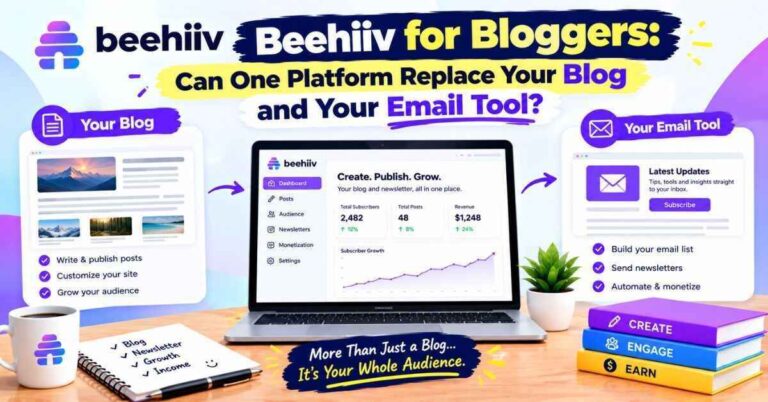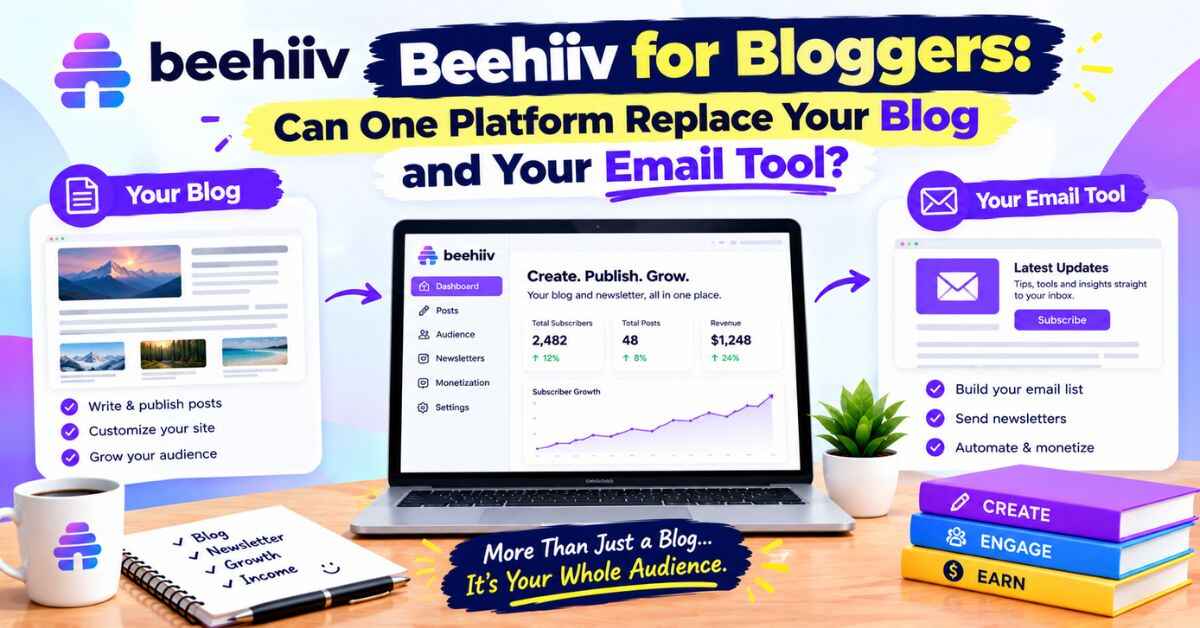
Beehiiv for Bloggers: Can One Platform Replace Your Blog and Your Email Tool?
If you run a blog, you’ve probably heard this advice a hundred times: build an email list. And you’ve probably nodded, felt a little guilty, and kept meaning to do it. That’s where beehiiv for bloggers becomes an interesting question, because it isn’t only an email tool. It also gives you a website, a way to grow, and a few ways to earn, all in one place.
But is it actually a good fit for someone who already has a blog? Or is it just another shiny tool you’ll sign up for, poke at for a weekend, and abandon?
I’ll give you my honest take. I’ll walk through what beehiiv does well for bloggers, where it falls short, who should use it alongside an existing blog, and who might do better to leave things exactly as they are. No pressure, no hype. Just the information I’d want if I were in your shoes.
The Blogger’s Quiet Problem
Let me describe a scene that might feel familiar.
You’ve been blogging for a while. Maybe you write about travel, cooking, personal finance, faith, parenting, tech, whatever lights you up. You publish regularly. Traffic comes and goes. Some posts do well on Google. Others disappear without a trace.
Then one morning, you check your stats and your traffic has dropped by a third. Nothing you did. A search update, an algorithm shift, a social platform changing what it shows people. Weeks of work, suddenly worth less.
Here’s the uncomfortable truth: if all your readers come from search engines and social media, you don’t really own your audience. You’re renting attention. The landlord can change the rules any time, and you won’t get a warning.
An email list fixes that. When someone gives you their email address, you can reach them directly. No algorithm in between. That’s why nearly every experienced blogger eventually says the same thing: “I wish I’d started my list sooner.”
Why Most Bloggers Still Don’t Build a List
If email lists are so valuable, why do so many bloggers skip them? In my experience, it comes down to a few honest reasons.
It feels like extra work. You’re already writing posts. Now you’re supposed to write emails too? That sounds exhausting.
The tools feel complicated. Email platforms have a reputation for confusing dashboards, automation flowcharts, and pricing that jumps around.
It’s unclear what to send. Do you just copy your blog posts into emails? Do you write something different? What’s the point?
The payoff feels distant. A list of 50 people doesn’t feel like it’s doing much. So it gets postponed again.
All of these are fair. And honestly, many email tools aren’t designed with bloggers in mind. They’re built for marketers sending promotions or online stores sending receipts. A blogger’s needs are different: publish writing, build a readership, and maybe earn from it.
That mismatch is what makes beehiiv worth a look.
What beehiiv Actually Is
beehiiv is a newsletter platform built around publishing. You write, send, and grow an email list, and every issue also lives on a website that comes with your account. Its free plan covers up to 2,500 subscribers, with unlimited email sends, a newsletter website, templates, and landing pages. Paid plans, now called Lite and Pro, are priced by subscriber tier and unlock things like paid subscriptions, the ad network, automations, and branding removal. The platform changed its plans and prices on October 1, 2026, so older articles may show outdated names.
Think of it as a hybrid. It’s not a full replacement for a heavy blogging setup like WordPress, but it covers a lot of ground a blogger cares about: writing, publishing, audience growth, and income.
Does It Replace Your Blog, or Work Beside It?
This is the big question, so let me be straight about it.
For some people, beehiiv can be the blog. Your newsletter website publishes every issue as a web page, so you can write once and have both an email and a post. If you’re starting from scratch and your content is mostly writing, that setup can work well.
For people with an established blog, especially one with lots of posts, a custom design, plugins, affiliate content, or e-commerce, it’s more likely to sit beside your blog. Your blog stays where it is, and beehiiv becomes your email home: the place you collect subscribers, send updates, and build your direct relationship with readers.
Both approaches are fine. The important thing is to decide which one you’re doing, so you don’t end up half-moving everything and finishing nothing.
If you’re not sure, my suggestion is simple: don’t move your blog. Add beehiiv as your newsletter, and see how it feels.
The Benefits That Matter Most to Bloggers
Let’s get into what beehiiv does well for people who write.
1. A clean, writing-first editor
beehiiv’s editor feels like writing in a normal document. You type, add headings, drop in images, add buttons, and format as you go. There’s no wrestling with complicated layouts. If you’re used to a blog editor, it’ll feel familiar and light.
2. Every issue becomes a web page
This is a quiet advantage. Because your newsletter has its own website, each issue can show up in search results over time. For a blogger, that means your email content isn’t wasted after it’s sent. It keeps working as a page that can bring in new readers.
3. Growth tools built in
Here’s where it separates from many email platforms. beehiiv builds growth into the product:
- A referral program, where readers earn rewards for inviting friends
- Recommendations, where newsletters can promote each other and swap readers
- Boosts, where you can pay to be promoted to relevant readers, or earn by recommending others
- Landing pages and signup forms you can embed on your blog or share anywhere
- Polls and A/B testing on paid plans
For a blogger, the signup forms and landing pages are the first things to use, since they let you collect emails from the readers already visiting your site.
4. Several ways to earn
Many bloggers earn through ads or affiliate links, and then get stuck when traffic dips. beehiiv adds other options:
- Paid subscriptions, where readers pay for premium content. On paid plans, beehiiv takes 0% of subscription revenue, though normal payment processing fees apply.
- The ad network, which matches your newsletter with brands.
- Direct sponsorships, which you sell yourself.
- Digital products, such as guides or templates, which beehiiv says carry no platform fee.
A fair warning: ad earnings depend on your niche, audience size, and engagement. Some creators say rates haven’t matched what they hoped, so treat any “average earnings” figure as a rough idea, not a promise.
5. Analytics that explain growth
You can see where new subscribers come from, which posts bring readers, which links get clicked, and how your list changes over time. For a blogger, that’s useful: you learn which topics people actually want in their inbox.
What Bloggers Can Send (Because “What Do I Even Write?” Is a Real Question)
Let me save you some second-guessing, because this stops a lot of bloggers.
You don’t have to write brand-new content for your email list. A few approaches that work:
The digest. Once a week, send a short roundup of your latest posts with a personal note. It’s easy, consistent, and brings readers back to your blog.
The “behind the post” email. Share the story, the mistake, or the idea that didn’t make it into the post. Readers love the extra context.
The exclusive tip. Give subscribers one useful idea they won’t find on the blog. It gives people a reason to join.
The original newsletter. Write something new each week, built just for email, and publish it on your newsletter site too.
Pick one and stick with it for a month. You can adjust later. The goal is a rhythm, not perfection.
A Simple Way to Start as a Blogger
Here’s the path I’d suggest if you already have a blog.
Step 1: Create your free beehiiv account.
Set up your publication, name it, and add a short description. Don’t over-think the branding.
Step 2: Make a lead magnet.
Give people a reason to subscribe. A free checklist, short guide, template, or resource list related to your most popular posts works well.
Step 3: Build a signup page and embed forms.
Create a simple landing page and add subscribe forms to your blog: in your sidebar, at the end of popular posts, and in a short “about” section.
Step 4: Write your first issue.
Keep it short. Three or four paragraphs and one useful idea. Send it, even to a small group.
Step 5: Set a schedule.
Weekly works for most people. Pick a day and keep it.
Step 6: Add growth tools.
Once you have a few readers, explore referrals and recommendations.
Step 7: Look at your numbers.
After a few issues, check opens, clicks, and subscriber sources. Do more of what’s working.
That’s it. You don’t need all the features on day one. Also Read: Beehiiv Review 2026: An Honest Look at the Newsletter Platform Everyone Keeps Talking About
Pricing: What Bloggers Should Know
Since many bloggers watch their budgets, let me be clear about costs.
The free plan covers up to 2,500 subscribers, with unlimited sends, a newsletter website, templates, and landing pages. For a blogger starting a list, that’s plenty of room. It comes with beehiiv branding, 30 days of analytics history, and one seat, one guest author, and one publication.
Lite unlocks paid subscriptions (with a 0% take from beehiiv), ad monetization, automations, polls, A/B testing, longer analytics, and more room for guest authors and publications.
Pro adds branding removal, webinars and coaching tools, advanced analytics, and priority support.
Paid plans are priced by subscriber tier. For a list of around 10,000, beehiiv’s own page showed roughly $119 a month for Lite and $199 for Pro with yearly billing, while press coverage quoted higher figures, around $139 and $239, which looks like monthly billing. Prices rose in October 2026, and some creators weren’t happy about it, especially smaller publishers who don’t charge readers. Paying yearly can earn up to two months free, according to beehiiv. Use the pricing page slider with your own list size, because numbers change.
My advice: stay free until a specific feature is worth paying for. That way you never pay for something you don’t use.
beehiiv vs Staying With Your Current Email Tool
Maybe you already have an email tool. Here’s a quick way to think about whether switching makes sense.
Consider beehiiv if your current tool feels like a marketing machine rather than a place for writers, you want growth tools built in, you’re interested in earning through subscriptions or sponsors, or your costs are climbing as your list grows.
Consider staying put if your setup works, you rely on complex automations or e-commerce integrations, or your list is small and you don’t plan to grow it soon. Moving for the sake of moving is a bad reason.
If you do switch, beehiiv has tools to import subscribers and past content. Plan to rebuild forms and automations, tell your readers about the change, and check your sender setup so emails keep landing in inboxes.
Real-Life Style Scenarios
Let me put some faces on this.
The hobby blogger. Hana writes about home gardening. She gets steady search traffic, but no email list. She sets up a free beehiiv account, adds a signup form to her popular posts, and offers a free seasonal planting calendar. After three months, she has 400 subscribers who open every email. She hasn’t paid a cent.
The affiliate blogger. Arif reviews budget gadgets. Most of his income comes from affiliate links, and a Google update recently cut his traffic. He builds an email list to reach readers directly, sends a weekly “best deals” digest, and slowly reduces his dependence on search.
The faith and lifestyle writer. Priya writes reflective posts for a niche audience. Social media reach keeps shrinking. A weekly newsletter gives her a steady line to her readers, and a small paid tier funds her time.
The professional blogger. Marcus runs a finance blog with ads and sponsorships. His list is already at 6,000. He moves to beehiiv, turns on referrals and recommendations, and starts testing the ad network alongside his existing sponsors.
The not-sure blogger. Li has a small blog and isn’t certain he wants to commit. He uses the free plan for six months as a low-risk test. Whether he continues or not, he’s learned what his readers care about.
Different bloggers, different goals, same basic idea: own a direct line to your readers.
Where beehiiv Might Not Be the Best Fit
Trust matters more than a quick sale, so here’s the other side.
It’s not a full blogging platform replacement if you rely on a heavily customized site, many plugins, or e-commerce. For that, keep your blog where it is and use beehiiv beside it.
Design freedom is more limited than platforms like Ghost or a custom WordPress theme. You get clean templates and branding options, but not unlimited customization.
Some features need paid plans. Automations, paid subscriptions, ad monetization, and branding removal aren’t on Free.
Complex automations are lighter than tools like Kit or Mailchimp. If your business depends on branching funnels, those may suit you better.
Prices rose recently. Paid plans can feel expensive for small publishers who aren’t earning.
The free plan caps at 2,500 subscribers. Other tools offer more free capacity, though with different features.
Income takes time. Earning from a newsletter requires an engaged audience, and that doesn’t happen overnight.
None of these are dealbreakers if you walk in informed. They’re just trade-offs.
My Honest Take: Is beehiiv Good for Bloggers?
Here’s where I land.
For most bloggers, adding a newsletter is one of the smartest things you can do, and beehiiv is a strong place to do it. The editor feels natural for writers, the newsletter website gives your emails a second life in search, the growth tools help you find readers, and the earning options give you something beyond ads and affiliate links. And the free plan means you can try it with no risk.
It isn’t magic. It won’t replace a complex blog setup, and it won’t build an audience without effort. But as a way to own a direct line to your readers, it’s one of the more complete options I’ve seen.
If you’re a blogger who keeps meaning to start a list, the best thing I can say is: start small. One signup form, one lead magnet, one short email a week. You’ll be surprised how quickly it becomes a habit.
Quick Questions People Ask
Is beehiiv good for bloggers?
For most, yes, especially as a newsletter beside an existing blog or as a simple blog-plus-email setup for new writers.
Can beehiiv replace my blog?
For simple, writing-focused blogs, it can. For heavily customized or e-commerce-heavy sites, it works better beside your blog.
Is beehiiv free?
Yes, there’s a free plan for up to 2,500 subscribers with unlimited sends, a newsletter website, templates, and landing pages. Some features need a paid plan.
Can I make money with beehiiv as a blogger?
Through paid subscriptions, the ad network, sponsorships, and digital products. Results depend on your audience and niche.
Do I have to write new content for my list?
No. You can send a digest of your latest posts, behind-the-scenes notes, or exclusive tips.
Can I add signup forms to my existing blog?
Yes. beehiiv offers embeddable forms and landing pages you can use on your site.
How hard is it to switch from another email tool?
Not very. beehiiv has import tools, but plan time for rebuilding forms and automations.
Final Thoughts
Every blogger I know who built an email list says the same thing: they wish they’d started sooner. Not because it made them rich overnight, but because it gave them something steady when everything else wobbled.
So don’t let the setup stop you. You don’t need the perfect platform or the perfect lead magnet. You need a signup form, a first email, and the willingness to send it.
If you’re ready to try, beehiiv is a low-pressure place to start. Open the free plan, write a short test issue, and add a signup form to one of your popular posts. If it doesn’t fit, you’ve lost an hour. If it does, you may have just built the most valuable part of your blog.
I hope this look at beehiiv for bloggers helped you decide.
Affiliate Disclaimer
Quick heads-up: some links in this post are affiliate links. If you sign up through them, I may earn a small commission at no extra cost to you. It helps me keep writing posts like this. I only share things I think are worth your time, and my opinions are my own. Features and prices change often, so please check beehiiv’s website for the latest details before you decide.