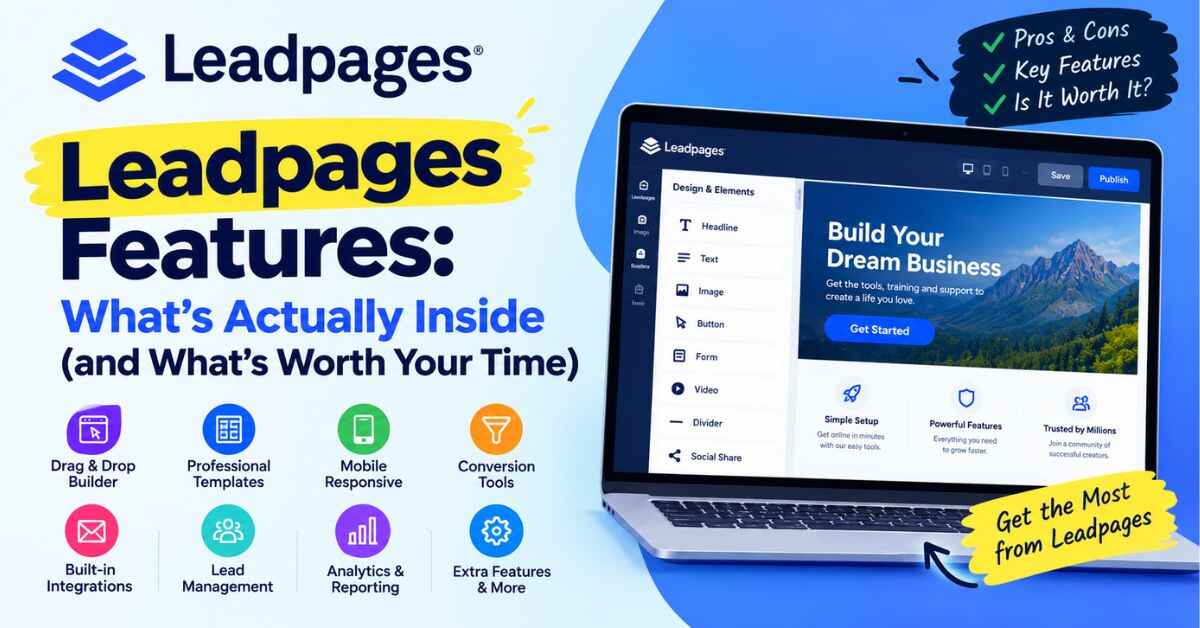
Leadpages Features: What’s Actually Inside (and What’s Worth Your Time)
You know that feeling when you finally finish something, share it everywhere, and then… nothing happens? A handful of clicks, maybe one sign-up, and a quiet inbox.
I’ve seen that happen to a lot of people, and most of the time the offer isn’t the problem. The problem is where they send people. That’s why I want to walk you through the Leadpages features that actually matter, in plain words, without the sales-brochure talk. I’ll tell you what each one does, who it helps, and where you should double-check things before you commit.
Short version? Leadpages lets you build landing pages, pop-ups, and simple websites without touching code, then plugs them into your email tools so new leads land where they should. That’s it. It’s a focused tool, and for plenty of people, that focus is exactly the point.
Grab a coffee. Let’s go through it properly.
The Problem Nobody Mentions When You Start
Picture this. You’ve made something you’re proud of. Maybe it’s a free guide, a small course, a service, or an affiliate offer you genuinely believe in. You post about it, you put it in your bio, and you tell people to “check it out.”
Where do they land? Probably your homepage.
And your homepage is busy. There’s a menu with seven links, a blog feed, a sidebar, an about section, and a newsletter box tucked somewhere near the footer. Your visitor showed up for one thing and now has a dozen things to look at.
So what do they do? They look around for a few seconds, feel slightly lost, and leave. Nobody’s being rude. That’s just how people behave online.
The fix is a landing page: one page, one message, one next step. Simple in theory.
Why Making One Is Harder Than It Sounds
Here’s where it gets annoying.
Most website platforms were built for general websites. When you try to squeeze a focused, conversion-style page out of them, you end up wrestling with the layout. You move a heading and three other things jump. You add a button and it looks fine on your laptop but weird on your phone. You spend a whole evening on something that should’ve taken twenty minutes.
Hiring a designer sounds like the smart move, and sometimes it is. But it costs money, takes time, and every tiny edit turns into an email thread. Want to change one sentence? Send a message and wait.
Then there’s the “just learn to code” advice. Sure. If you enjoy that, great. Most people don’t want to become part-time developers just to collect email addresses.
And while all this is going on, your offer sits there, unseen. That’s the real cost. Not the money, but the weeks of momentum you lose while you’re stuck on tech instead of talking to the people you want to help.
Enter Leadpages
Leadpages is built around one idea: getting a good-looking, working page online shouldn’t need a developer.
You pick a template. You change the words and pictures. You connect your email service. You publish. That’s the basic flow, and underneath it sits a set of tools that cover most of what small businesses, creators, and solo marketers need.
Want to look around while you read? You can see the editor for yourself here: “Take a look at the Leadpages editor and see how simple it feels”
Leadpages Features Worth Knowing About
I won’t throw a giant checklist at you. I’ll go through the features the way you’d bump into them while using the tool, and tell you why each one matters.
The Drag-and-Drop Editor
This is the heart of everything, so it better be good. And it is.
You click on something to edit it. You drag a block to where you want it. It stays there. If you’ve ever dragged a picture in a Word document and watched the whole page rearrange itself, you’ll understand why this feels like a small miracle.
The real benefit is speed. Plenty of people get a full page live in under an hour, and faster once they’ve done it a couple of times. That matters more than it sounds. When building a page is quick, you’re way more willing to build another one, and another. Each one is a fresh chance to match a specific audience with a specific offer.
Templates That Already Know What They’re Doing
Nobody likes a blank screen. With Leadpages you don’t have to face one.
Templates are sorted by goal: collecting leads, webinar sign-ups, selling a product, event registration, “coming soon” pages, and so on. You choose the one closest to what you’re doing, then swap in your own words, images, and colors.
What I like most is that you’re not only borrowing a nice look. You’re borrowing structure. The headline sits where people look first. The button is easy to spot. The form isn’t hiding at the bottom. Those little choices are the difference between a page that looks pretty and a page that gets sign-ups, and you get them without needing to study design.
AI Help for That First Draft
Leadpages has been adding AI tools that help you go from nothing to a rough first version faster, such as page content or copy ideas based on a short description of what you’re offering.
My honest advice: treat it as a starting point, not the finish line. Let it give you something to react to, then rewrite it in your own voice so it sounds like a person wrote it. Still, if your biggest struggle is staring at an empty headline box, having a rough draft to edit can save you a surprising amount of time. These tools change over time, so check the Leadpages site to see exactly what’s included with the plan you’re looking at.
Pop-Ups and Alert Bars
Not everyone wants to build new pages straight away. Maybe you already have a blog or business site with steady visitors, and you just want to catch a few more emails.
That’s where pop-ups and alert bars come in. An alert bar is that thin strip across the top of a page, great for announcing a free resource or a limited offer. A pop-up can show up at a sensible moment, like after someone’s been reading for a bit or when they look ready to leave.
And you build them in the same editor as your pages, so there’s no second tool to learn. One afternoon of setup can start turning casual readers into subscribers, using traffic you already worked hard to get.
Forms and Lead Capture
It’s not the flashiest feature, but the form is where the magic actually happens.
Leadpages lets you add and customize sign-up forms, pick which fields to include, and decide what happens after someone submits, like showing a thank-you message or sending them to another page.
One small tip from experience: ask for less. If all you need is an email address, don’t ask for a phone number and job title too. Every extra field is one more reason for someone to give up halfway.
Integrations With the Tools You Already Use
A landing page that doesn’t connect to the rest of your setup is basically a pretty poster.
Leadpages works with a long list of email marketing platforms, webinar tools, and other services. When someone fills in your form, their details go straight into your system. No exporting contacts at the end of the week. No copying names into a spreadsheet at midnight. No “oh no, I forgot to send the free download.”
Before you start, though, check that your specific email service is on the integration list. It takes thirty seconds and saves you a headache.
A/B Testing
This one’s easy to overlook, and it’s one of my favorites.
A/B testing means you build two versions of a page and let real visitors show you which one works better. Maybe version A has a headline about saving time, and version B talks about feeling less stressed. Your traffic gets split between them and you watch which one collects more sign-ups.
Why does that matter? Because most of us are terrible at guessing what our audience wants. We argue with ourselves about headlines, button colors, and photos. Testing swaps the guessing for real answers. Over a few weeks, small wins pile up. A page that converts a little better means more leads from the same traffic, which is one of the cheapest ways to grow.
The Leadmeter
The Leadmeter is a built-in guide that gives you feedback while you’re building. It points out things that could make your page stronger, like a clearer call to action or a better structure.
Think of it like a friendly second opinion sitting next to you. You’re not left wondering whether your page “feels right.” If you’re newer to this, it’s a quiet confidence boost.
Simple Websites, Not Just Single Pages
Leadpages isn’t only for one-off landing pages. You can also build simple multi-page websites with navigation and connect your own custom domain.
That’s handy for freelancers, coaches, and small local businesses who don’t need anything huge. A neat site with a home page, a services page, an about page, and a contact page is often plenty, and it keeps everything under one login.
Selling Right From Your Page
If you’re offering something simple, like a digital download, a consultation, a workshop spot, or a small package, you can add checkout and payment options straight onto your page.
The benefit is fewer steps between “I’m interested” and “I’ve paid.” Every extra click or redirect gives someone a chance to wander off. Keeping it all on one page makes the path shorter, and it means one less tool for you to manage.
Hosting, Custom Domains, and Mobile-Friendly Pages
You don’t have to wrestle with servers or hosting settings. Leadpages hosts your pages for you, and you can use your own domain so the link looks like part of your brand.
Mobile matters here too. A big chunk of your visitors will open your page on their phones, probably while scrolling social media. Leadpages templates are built to adapt to smaller screens, and you can preview how things look while you edit. So you’re not publishing and crossing your fingers.
Help When You Get Stuck
Everybody gets stuck at some point. What matters is how fast you get unstuck.
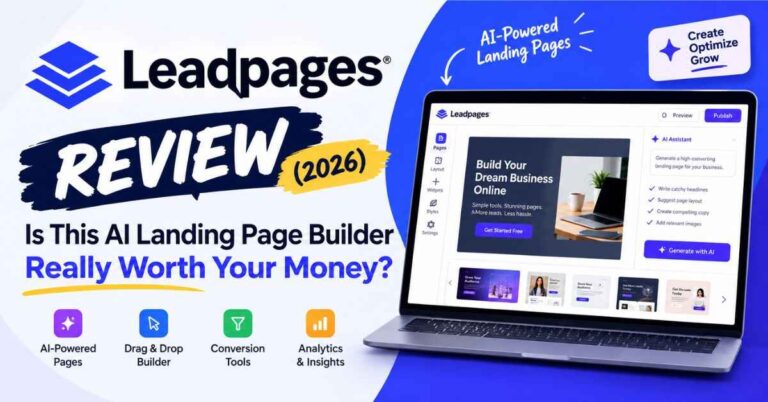
Leadpages offers help guides, training material, and a support team. If you’re new to all this, knowing there’s a real place to ask questions makes it a lot less scary to experiment. Also read: Leadpages Review (2026): Is This AI Landing Page Builder Really Worth Your Money?
What This Looks Like for Real People
A list of features only goes so far. Let me show you how the pieces fit together for different kinds of people.
The Blogger Who Wants a Real Email List
Imagine someone who writes about budgeting, recipes, or fitness. Every post ends with “subscribe to my newsletter,” and almost nobody does.
So they put together a short free guide, build a simple landing page for it from a template, and connect it to their email service. Then they add a pop-up on their most-read posts that points to the same guide.
Suddenly the vague “please subscribe” turns into a clear offer with a clear reward. People know what they’re getting. That small shift is often what separates a list that never moves from one that grows every week.
The Local Business Owner
A photographer, a cleaner, a personal trainer. They don’t need a giant website. They need one page that says what they do, shows a few happy clients, and makes it easy to ask for a quote.
A single focused page with a short form does that job nicely. They can send people there from social media, Google Business, or even a flyer with a link. When someone fills in the form, the details land straight in their inbox.
The Coach or Consultant
Coaches usually have a few different offers: a free discovery call, a workshop, a paid program. Each deserves its own page, speaking to one kind of person with one next step.
Because building pages is quick, they can set all three up in a single sitting. Later they can test two headlines on the discovery call page and see which one gets more bookings.
The Course Creator
Launching a course usually means a waiting-list page, a sales page, and a thank-you page. Building all of them in one editor keeps everything looking consistent, and the whole launch lives in one place.
A webinar sign-up page works well here too. It gives people who aren’t ready to buy yet a chance to say “I’m interested” and learn more first.
The Affiliate Marketer
If you promote other people’s products, you know that sending people straight to a sales page can feel a bit cold. A short bridge page that explains why you recommend something, shares your honest take, and then leads people to the offer can warm them up first.
And because pages are quick to duplicate and edit, you can try a few different angles and see which one lands best.
The Freelancer
Writers, designers, virtual assistants. Plenty of them just need a clean little site that shows their services, a few samples, and a contact form. It’s quick to build, easy to update, and doesn’t need a pile of plugins.
Who Might Want Something Else
I don’t want to oversell this. You’d see right through me, and you’d be right.
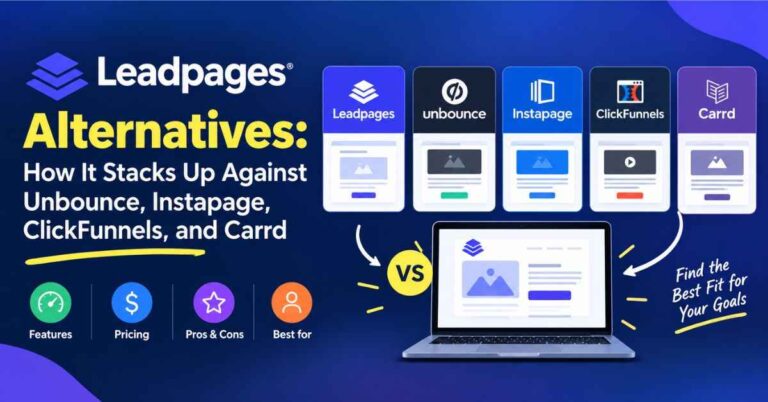
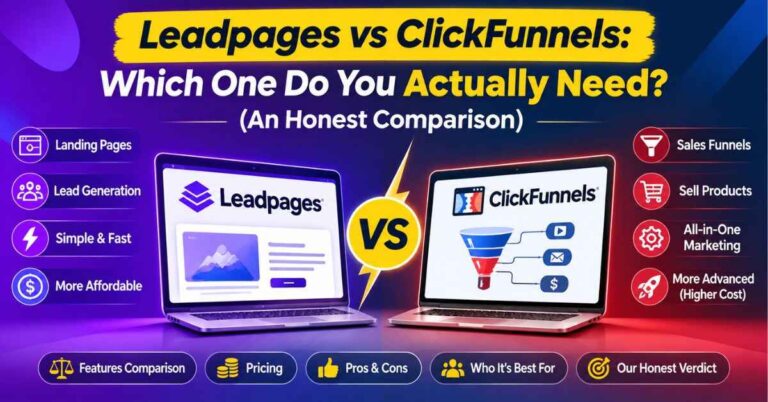
Leadpages is great at landing pages, pop-ups, and simple sites. But if you need a huge website with a complicated blog, a members-only area, and a big online store, you’ll probably want a different platform for your main site. Leadpages can still handle your lead capture alongside it, but it isn’t trying to be everything.
Also, plans and limits change now and then, including how many pages you get and which features come with which tier. Before you commit, check the current plan details on the Leadpages site and match them to what you really need. Think about how many pages you’ll honestly build in your first few months, and choose based on that.
And if you want advanced stuff like heatmaps or session recordings, you may need a separate tool for that. Most beginners and small businesses won’t need it on day one, but it’s good to know.
So, Is It Worth It?
Here’s how I think about it. When you’re starting out, the biggest cost usually isn’t the monthly fee. It’s your time, and your confidence.
Time, because every hour you spend fighting a clumsy tool is an hour you’re not creating, sharing, or talking to your audience.
Confidence, because every time something looks off or breaks, a little voice says, “Maybe this isn’t for me.”
A good tool protects both. It gets you to a finished page quickly, and it looks good enough that you feel proud to share it. That feeling is underrated. When your page looks professional, you promote it more boldly. You mention it more. You get less nervous about putting your name next to it.
Then the first few sign-ups arrive, and suddenly your idea feels real. That’s strong fuel when you’re building something from scratch.
If that sounds like what you’ve been missing, it might be worth trying it yourself: “See what you could build in your first afternoon with Leadpages”
A Gentle Way to Get Started
If you decide to give it a go, don’t try to build everything at once. That’s how people burn out. Here’s a calmer approach.
Start with one goal. Collecting emails for a free guide, booking calls, or selling one small thing. Write it down in a single sentence.
Pick the template closest to that goal. Resist the urge to browse for hours. Choose something close enough and adjust it.
Write the text like you’re talking to a friend. Short sentences, plain words. Say what people get and why it helps them.
Connect your email tool and test it. Sign up using your own address and make sure everything arrives the way you expect.
Check it on your phone. Is it easy to read? Easy to tap?
Publish and share. Put the link in your social bio, your email signature, and your blog posts.
Look at the results after a week. Don’t judge it harshly. You now have real numbers to work with, which beats guessing every time.
A Few Small Tips That Make a Big Difference
Some things I’d tell anyone building their first few pages.
One page, one goal. If you ask people to subscribe, follow you, read your blog, and buy something all at once, they’ll usually do none of it.
Write the headline for the reader. “Welcome to My Journey” means nothing to a stranger. “Simple Meal Plans for Busy Weeknights” tells them exactly what’s in it for them.
Make the button specific. “Send Me the Guide” almost always beats “Submit.”
Use real photos when you can. A genuine picture of you or your work builds trust faster than a stock image.
Test one thing at a time. If you’re running a split test, change only the headline, or only the image. Otherwise you won’t know what made the difference.
Come back and tweak. Your first version won’t be your best, and that’s completely normal. That’s why the editing and testing tools are so useful.
Quick Answers to Common Questions
Do I need coding or design skills?
Nope. If you can type, click, and drag things around, you can use the editor.
Can I use my own domain?
Yes. You can connect a custom domain so your pages match your brand.
Will it work with my email service?
Leadpages connects with many popular email and marketing tools. Check that yours is on the current list before you start.
Can I sell things on a page?
Yes, you can add payment options for simple products and services.
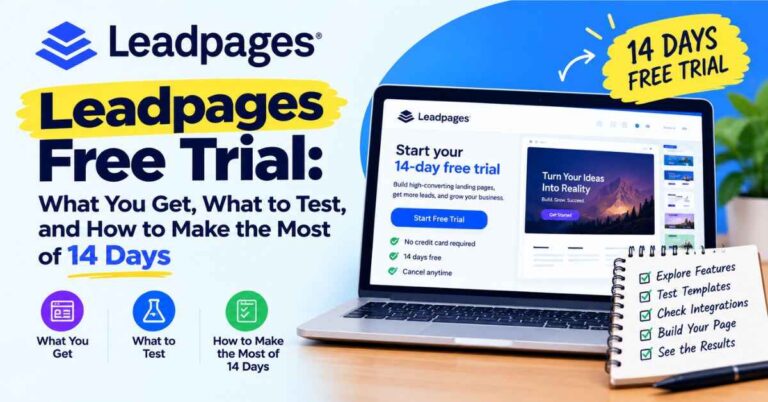
Is there a free trial?
Leadpages has offered one, but details change, so check the sign-up page for what’s available right now.
What if I get stuck?
There are guides, training resources, and a support team you can reach out to.
My Honest Take
Leadpages doesn’t try to do everything. It does a handful of things really well: building pages quickly, capturing leads, connecting to your tools, and helping you improve over time. For beginners, solo business owners, and creators, that focus is a strength.
It won’t do your marketing for you. You still have to share your page, write honestly, and keep showing up. But it takes away the technical friction that makes so many people quit before they’ve really begun.
And the hardest part of any new project is getting the first thing live. Once there’s a real page out in the world, everything gets easier, because you’re improving something that exists instead of imagining something perfect.
So if you’ve been putting this off, start small. One page. One offer. One afternoon.
Here’s where you can try it and see how it feels: “Start building your first page with Leadpages”
You might be surprised how quickly it comes together.
Quick note: this post contains affiliate links. If you click one and decide to sign up, I may earn a small commission, at no extra cost to you. I only share tools I think can genuinely help, and the opinions here are my own. Thanks for reading and for supporting the blog.