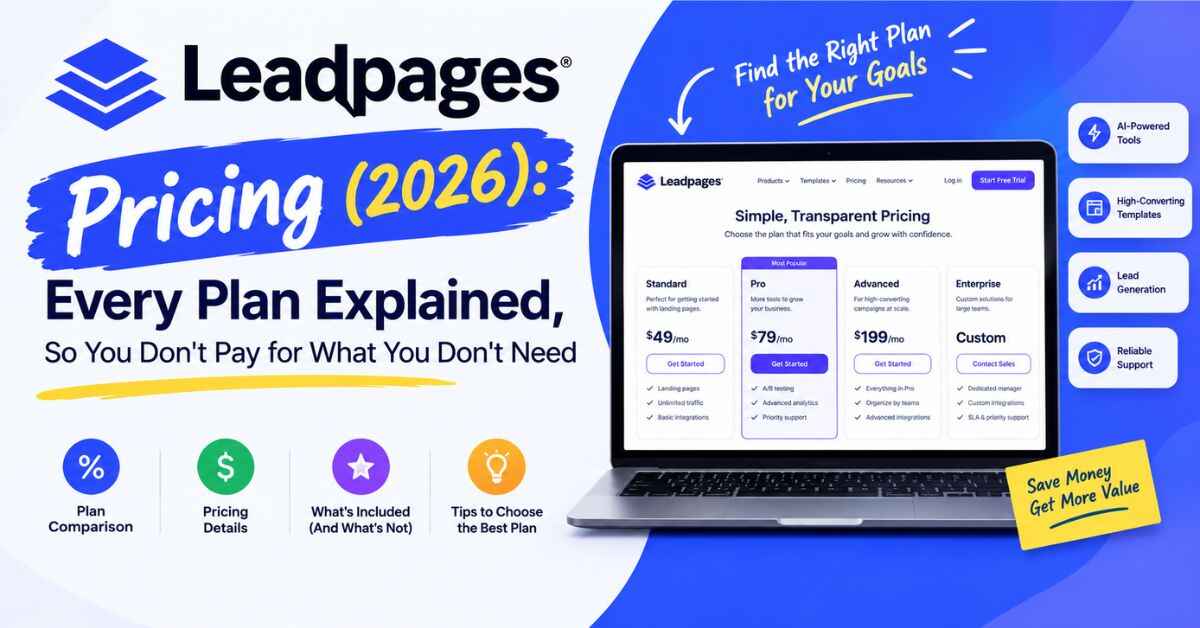
Leadpages Pricing (2026): Every Plan Explained, So You Don’t Pay for What You Don’t Need
Nobody likes opening a pricing page and feeling like they need a calculator, a coffee, and a lawyer. So I went through the Leadpages pricing page line by line, and in this post I’ll tell you what each plan costs, what you actually get for the money, and which one makes sense for you. No jargon, no mystery fees, no pretending it’s cheaper than it is.
Quick preview: Leadpages starts at $29 a month and goes up from there. Whether that’s a bargain or a waste depends entirely on what you’re trying to do. Let’s figure out which one you are.
The Real Reason People Hesitate to Pay for a Landing Page Tool
Before we get into numbers, I want to talk about the hesitation, because I think it’s the real issue.
Most people have been here. You’re sitting on a decent idea, a small audience, maybe a few hundred followers or an email list that’s just getting started. You know you need a proper page to send people to. But then you see a monthly price and your brain does the math: twelve months, times whatever that number is, for a tool you’re not even sure you’ll use.
So you do one of two things. You put it off, or you cobble something together with free tools and hope for the best.
I understand both. But let me describe what the “free” route often costs you, because it’s rarely actually free.
You send traffic to a page with a menu full of distractions, and people wander off. Or you use a free builder that slaps its own branding on your page, which makes you look smaller than you are. Or you build a page, have no idea if it’s working, and never find out that a single headline change could have doubled your signups.
That quiet leak, the visitors who showed up and left without doing anything, is expensive. You just don’t see the invoice. You paid for it in ad spend, or in the hours you spent creating the content that brought them in.
A good landing page tool isn’t a luxury. It’s the thing that makes the rest of your effort count. The question isn’t really “can I afford this?” It’s “what am I losing by not having it?”
So What Is Leadpages, Exactly?
If you’re new here, Leadpages is a platform for building landing pages and small websites that turn visitors into leads and customers. It’s been around since 2012, and the company says it has served more than 400,000 users. It sits at roughly 4.3 stars on G2 and 4.5 on Capterra, which is solid for software that people tend to be picky about.
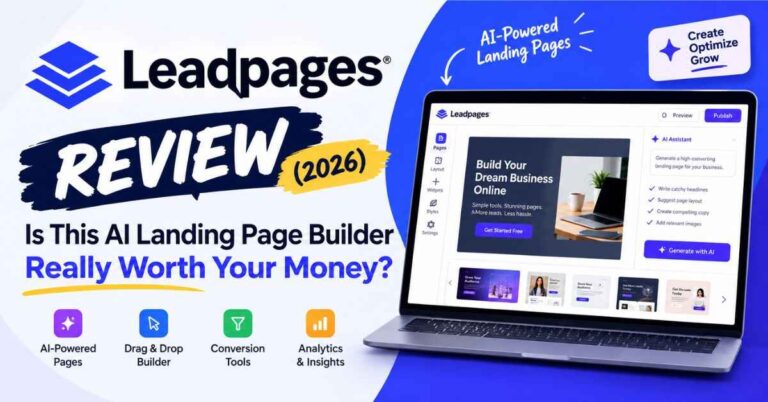
The big change in 2026 is that it’s now built around AI. You describe what you sell, and it creates a full page in seconds. Then you tweak it with a visual editor, kind of like editing a document. On top of that, you get A/B testing, heatmaps, personalization, lead capture, and links to the tools you probably already use.
So it’s a place to build a page, see how it performs, and keep making it better, all without touching code.
If you’d rather poke around than read about it, you can try Leadpages free for 7 days. You get full access to whichever plan you pick during the trial, so you’ll see exactly what you’re paying for before you pay.
Leadpages Pricing: Every Plan at a Glance
Here’s the full picture. These are the monthly prices listed on the Leadpages site when I wrote this.
| Plan | Monthly price | Who it’s for |
|---|---|---|
| Pro | $29 | Solo creators who just want to publish pages |
| Business | $49 | Small teams and agencies publishing more |
| Grow | $99 | Marketers who want to test and improve conversions |
| Optimize | $199 | Performance marketers and growing teams |
There’s also a Scale tier above that for bigger operations, plus a custom Enterprise option. Most people reading this will end up somewhere between Pro and Grow, so that’s where I’ll spend most of my time.
If you pay annually, Leadpages takes 20% off. That works out to roughly $23 a month for Pro, $39 for Business, $79 for Grow, and $159 for Optimize. If you know you’ll stick with it, that’s real money saved.
One more thing worth knowing: there are no traffic caps on any plan. Some competitors limit how many visitors your pages can get each month, which can punish you for doing well. Leadpages doesn’t. If a campaign takes off, your bill stays the same.
Pro Plan ($29/mo): The “Just Get It Live” Option
Pro is the entry point, and it’s more capable than you might expect for the price.
You get 25 pages, one custom domain with SSL, one blog, and the AI page builder. You can remove the Leadpages branding, which is something free tools almost never allow. You also get 12,000 AI credits a month, 5 GB of storage, 90 days of analytics, and API access.
Who’s it for? Someone who needs to publish. Maybe you’re a freelancer who wants a clean page for your services. Maybe you’re a creator with a free guide and an email list to grow. You want something professional, on your own domain, without paying for features you won’t touch yet.
What’s missing is testing. There’s no A/B testing on Pro, and no heatmaps. That’s fine if you’re just getting started. But if you already know you want to improve your page over time, you’ll probably outgrow it quickly.
My take: Great for getting started cheaply, as long as you’re honest that you’re buying a page builder, not an optimization tool.
Business Plan ($49/mo): For When One Page Isn’t Enough
Business is the same idea with more room. You get 50 pages, two custom domains, two blogs, a brand kit, and 20,000 AI credits a month. Storage doubles to 10 GB, analytics are kept for a full year, and you can export your leads as a CSV.
That CSV export matters more than it sounds like it does. If you ever want to move your leads into another system, or share them with a client, being able to download them in one click saves a lot of headaches.
The brand kit is another quiet win. You add your logo, colors, and fonts once, and every page you build afterward matches. If you’ve ever built several pages over a few months and noticed they all look slightly different, you know how annoying that is.
Who’s it for? Small teams, agencies handling a couple of clients, or anyone running more than one brand or website.
Like Pro, there’s no A/B testing here. So it’s still a publishing plan, just a roomier one.
My take: Worth it if you need the extra pages, domains, or brand kit. If you don’t, Pro will do.
Grow Plan ($99/mo): Where Leadpages Gets Interesting
Grow is labeled the most popular plan, and I get why. This is where Leadpages stops being just a page builder and becomes a tool for actually improving your results.
Here’s what you get on top of Business:
- Unlimited pages and unlimited traffic.
- A/B testing. You make two versions of a page, split your visitors between them, and see which one gets more signups.
- Dynamic text replacement. Your headline changes to match the ad or keyword that brought the visitor in.
- Manual personalization. Show different versions of a page to different audiences.
- Lead enrichment and anonymous traffic detection. You get more context about who’s visiting, even before they fill out a form.
- More room everywhere. Four custom domains, four sites, three blogs, three brand kits, 15 GB of storage, and 40,000 AI credits a month.
Let me explain why A/B testing is such a big deal, because it’s the main reason to step up to this plan.
Imagine you’ve got a page getting a steady trickle of visitors. Out of every hundred people, maybe three sign up. You change just the headline, and now four sign up. That sounds tiny. But it’s a third more leads from the exact same traffic, without spending another dollar on ads. Do that a few times over a few months, and the difference becomes huge.
Without testing, you never find that out. You just guess, and guesses are expensive.
Dynamic text replacement is the other quiet star, especially if you run paid ads. Someone clicks an ad about a “Weekend Photography Workshop” and lands on a page with the same words at the top. It feels right. Now picture them landing on a vague page about “Creative Learning Programs.” They’re gone. Matching your page to your ad keeps people from bouncing.
According to Leadpages, many competitors charge $149 or more just for testing tools. I’d double-check that against current prices before you make a decision, but it does suggest $99 is a fair spot for this feature set.
My take: If you run campaigns or you’re serious about growing, this is the plan I’d start with. It’s the one where the tool can pay for itself.
Optimize Plan ($199/mo): For Teams That Live in Their Analytics
Optimize includes everything in Grow, then adds the heavy-duty stuff:
- Smart Traffic. Instead of splitting visitors evenly, it sends more of them to whichever version of your page is converting better. The page learns as it runs.
- Click and scroll heatmaps. You see where people click and how far down they scroll. It replaces opinions with proof.
- Multivariate testing. Test up to four versions of a page at once.
- Auto-personalization and performance alerts.
- More room. Six custom domains, five brand kits, 25 GB of storage, 80,000 AI credits a month, 24 months of analytics, three team seats, and email support.
Heatmaps are my favorite part. You might assume everyone reads your whole page, then discover that half of them gave up before they reached your offer. Now you know exactly where to fix it.
Who’s it for? Performance marketers, agencies running lots of campaigns, and teams where more than one person needs access. If you’re spending real money on ads every month, the extra tools can easily earn back the difference.
Is it overkill for a beginner? Honestly, yes. You don’t need Smart Traffic on your first landing page.
My take: Worth it once you have steady traffic and a habit of testing. Not before. Also read: Leadpages Review (2026): Is This AI Landing Page Builder Really Worth Your Money?
What You Get for the Price: A Quick Side-by-Side
Here are the features people ask about most, laid out in one place.
| Feature | Pro | Business | Grow | Optimize |
|---|---|---|---|---|
| Custom domains + SSL | 1 | 2 | 4 | 6 |
| Blogs | 1 | 2 | 3 | 5 |
| Brand kits | None | 1 | 3 | 5 |
| A/B testing | No | No | Yes | Yes |
| Dynamic text replacement | No | No | Yes | Yes |
| Smart Traffic and heatmaps | No | No | No | Yes |
| AI credits per month | 12,000 | 20,000 | 40,000 | 80,000 |
| Analytics history | 90 days | 12 months | 12 months | 24 months |
| Remove Leadpages branding | Yes | Yes | Yes | Yes |
A couple of notes. Every plan includes the AI page builder and a connector that lets you publish pages from tools like Claude or ChatGPT. If you ever run out of AI credits, top-up packs start at $2.50, so you won’t be stuck.
Is Leadpages Pricing Actually Worth It? Let’s Do Some Honest Math
This is the part I find most useful, so let’s slow down.
Leadpages points out that a lot of marketers pay for several separate tools to do what Grow and Optimize do together. A landing page builder, a heatmap tool, an A/B testing tool, a lead enrichment service, and something like Zapier to connect them all. According to Leadpages, that stack can run from about $436 to $1,720 a month, depending on which tools you pick. Those are their numbers, not mine, so compare them with what you actually pay. But even if the real figure is lower, the point stands: stitching tools together adds up fast.
Now think about it from the return side.
Say you run a coaching offer, and each new client is worth $500. You send 1,000 visitors a month to your page and 2% become leads. Of those, one in ten becomes a paying client. That’s two clients a month, or about $1,000.
Now suppose a better headline and a shorter form lift your signup rate from 2% to 3%. Same traffic, same ad budget. You now get three clients a month instead of two. That’s an extra $500 a month, which more than covers the $99 Grow plan.
Is that guaranteed? Of course not. Your numbers will be different, and some tests won’t win. But it shows how a small lift on a page can outweigh the cost of the tool by a lot. When you think of the price as a share of what a single extra customer brings in, it looks very different.
And if you’re not at that point yet? Then Pro at $29 is a gentle way to start without much risk.
Who Should Pick Which Plan?
I like to keep this part simple.
Choose Pro if you’re brand new, you only need a few pages, and you want a clean, professional presence without spending much.
Choose Business if you manage a couple of sites or clients, or you need a brand kit and lead exports.
Choose Grow if you run ads or send serious traffic, and you want to stop guessing about what works. For most marketers and small business owners, this is the sweet spot.
Choose Optimize if you’ve already got steady traffic, you test regularly, and you want things like heatmaps and Smart Traffic doing some of the heavy lifting.
Skip Leadpages if all you need is one simple “link in bio” page and you don’t care about testing. A free tool can handle that. Leadpages earns its price when you plan to measure and improve.
A Few Things I’d Want to Know Before Paying
A good pricing review should tell you the stuff that isn’t on the sales page headline, so here you go.
The trial asks for a card. You get 7 days of full access, and you won’t be charged until day 7. You can cancel any time before that from your account settings. I’d put a reminder in my phone right away so nothing surprises me.
You can switch plans. You can move up or down later, and the changes take effect on your next billing cycle. Your pages and domains carry over, so starting small isn’t a trap.
Annual billing is a bigger commitment. The 20% discount is nice, but I’d do a month or two on monthly billing first. Once you know you’re sticking with it, switch to annual.
AI credits can run out. Each plan comes with a monthly allowance, which refills every billing cycle. If you make a lot of pages, keep an eye on it, though top-ups are cheap.
It rewards effort. If you build a page and never look at it again, no plan will save you. Leadpages is at its best when you test, learn, and tweak.
A Simple Way to Test Leadpages Without Wasting Money
If you’re nervous about committing, here’s how I’d use the free trial.
- Pick one goal. Email signups, call bookings, or a product sale. Just one.
- Let the AI build the first draft. Tell it what you offer and who it’s for.
- Rewrite it in your own voice. Swap anything generic for something real, like a result you got or a customer quote.
- Connect your email tool. Make sure leads land somewhere you can follow up.
- Send some traffic. Even a few dozen visitors will tell you something.
- Try one change. If your trial plan includes A/B testing, test a new headline.
By day seven, you’ll know whether it fits how you work. If it does, you’ll also know which plan to choose, because you’ll have felt where you needed more. Want to try it? Start your free 7-day trial and test it with a real page.
Quick Answers to Common Questions
Is there a free plan? No permanent free plan. There’s a 7-day free trial with full access, though. You can build and preview before paying, but publishing to a live address needs a paid plan.
Do I need a credit card for the trial? Yes. You won’t be charged until day 7, and you can cancel before then.
Are there hidden fees or traffic limits? Leadpages says there are no traffic caps and no overage fees on any plan. The only extra cost I saw is optional AI credit top-ups, starting at $2.50.
Can I upgrade later? Yes. Your pages and domains carry over when you move up.
Which plan do most people choose? Grow is labeled the most popular.
Final Thoughts on Leadpages Pricing
So, is it worth it?
If you only want a pretty page and nothing else, you can probably find something cheaper. But if you want a page that gets better over time, one that you can test, tweak, and match to your ads, then the price starts to make sense. Especially on Grow, where testing, personalization, and unlimited traffic all come in one place.
Remember, the monthly price isn’t really the question. The real question is what a few extra signups or customers each month would be worth to you. When you see it that way, a $29 or $99 plan can look like a small price for something that keeps working while you sleep.
My advice is the same as it was at the start. Don’t decide from a blog post, even this one. Pick one real goal, build one real page, and see what happens. Start your 7-day Leadpages trial and see which plan fits you. If it’s not for you, cancel before the trial ends. If it is, you’ll probably wish you’d started sooner.
Quick note: some links in this post are affiliate links. If you click one and decide to sign up, I may earn a small commission at no extra cost to you. I only recommend tools I think are genuinely useful, and my opinions are my own. Prices and features can change, so please check the official Leadpages site for the latest details before you buy.